地标实景照片 + 手绘工程蓝图 AR 叠加提示词
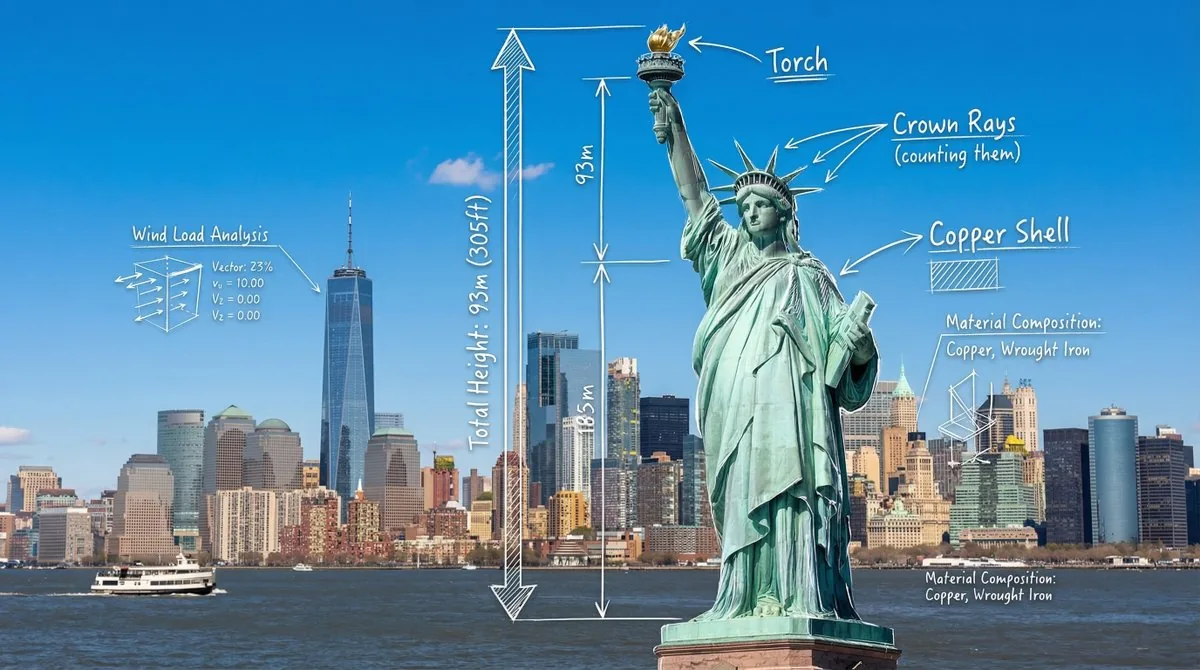
自由女神像的写实广角照片,叠加白色手绘工程注释:引导线标签、高度测量箭头和线框数据图标。
这张示例图由 @azed_ai 使用 Nano Banana Pro(Gemini 3 Pro Image)生成。点击下方按钮会打开本站的 GPT Image 2.5 生成器并自动填入提示词,你可以生成类似的图片——结果会与示例不同。
将打开生成器并自动填入提示词,点击“生成”之前不会开始生成。
完整提示词
A photorealistic wide-angle landscape shot of the Statue of Liberty with the New York City skyline and harbor in the background. Superimposed on the scene is a white, hand-drawn augmented reality technical overlay. Features include: 1. Sketchy white leader lines pointing to key details like the "Torch," "Crown Rays," and "Copper Shell" with handwritten text labels. 2. Large dimensional vertical measurement arrows indicating the total height from ground to torch. 3. Small floating wireframe icons showing wind load data and material composition. Aesthetic: Structural engineering analysis, F1 broadcast graphics style, bright outdoor daylight, architectural blueprint overlay.中文译文
一张逼真的广角风景照,展现了自由女神像,背景是纽约市的天际线和港口。画面上叠加了一层白色手绘增强现实技术图层。其特点包括:1. 用白色线条勾勒出关键细节,例如“火炬”、“皇冠光芒”和“铜壳”,并附有手写文字标签。2. 大型垂直测量箭头指示从地面到火炬的总高度。3. 小型悬浮线框图标显示风荷载数据和材料成分。美学风格:结构工程分析、F1赛车转播画面风格、明亮的户外日光、建筑蓝图叠加。用中文译文生成 →使用说明与修改技巧
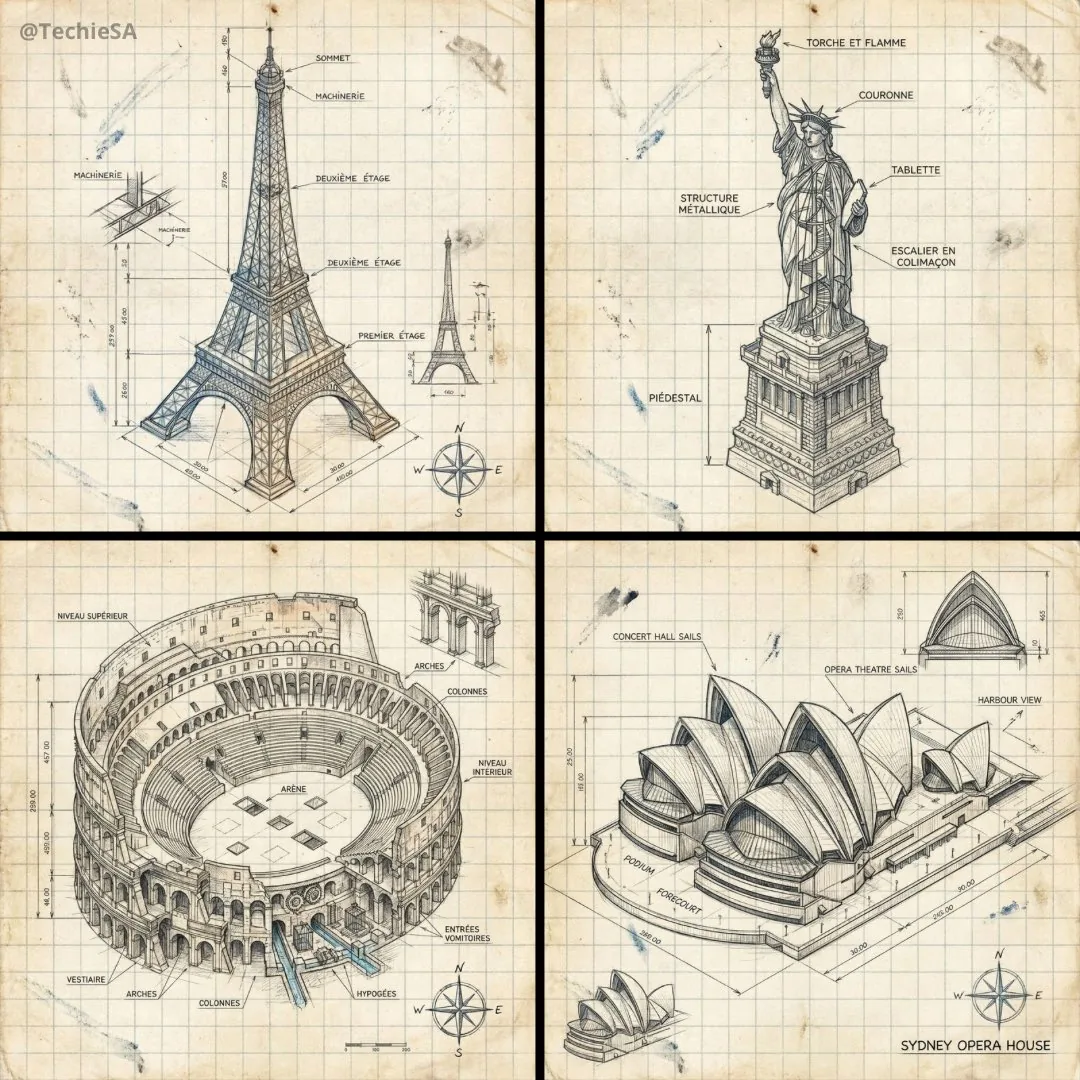
把写实照片与手绘“工程分析”图层结合,非常适合旅行内容、建筑讲解和科普图。编号列表让复用很简单:换地标后,更新第 1 点的标注部位、第 2 点的测量、第 3 点的数据图标。“F1 转播画面风格”让叠加层更有运动感和技术感,换成“建筑师粉笔草图”会更柔和。高度等真实数据请在发布前自行核实。