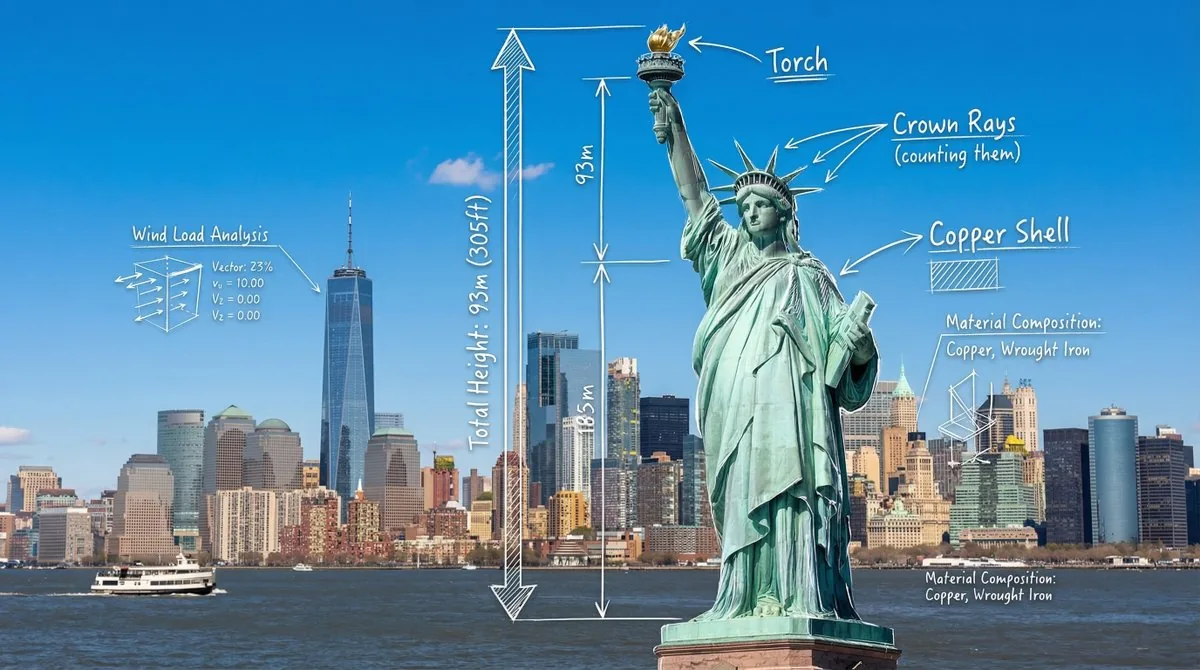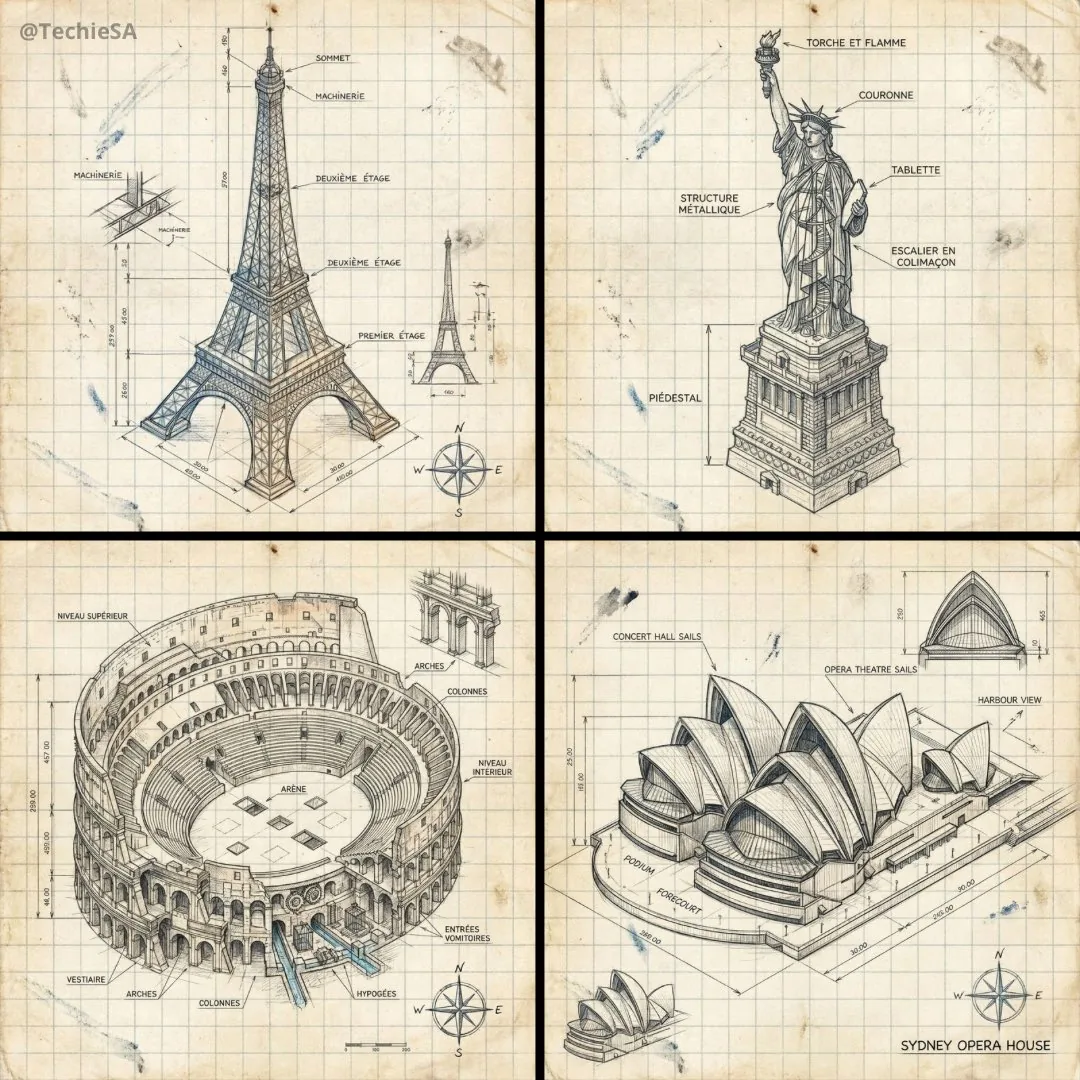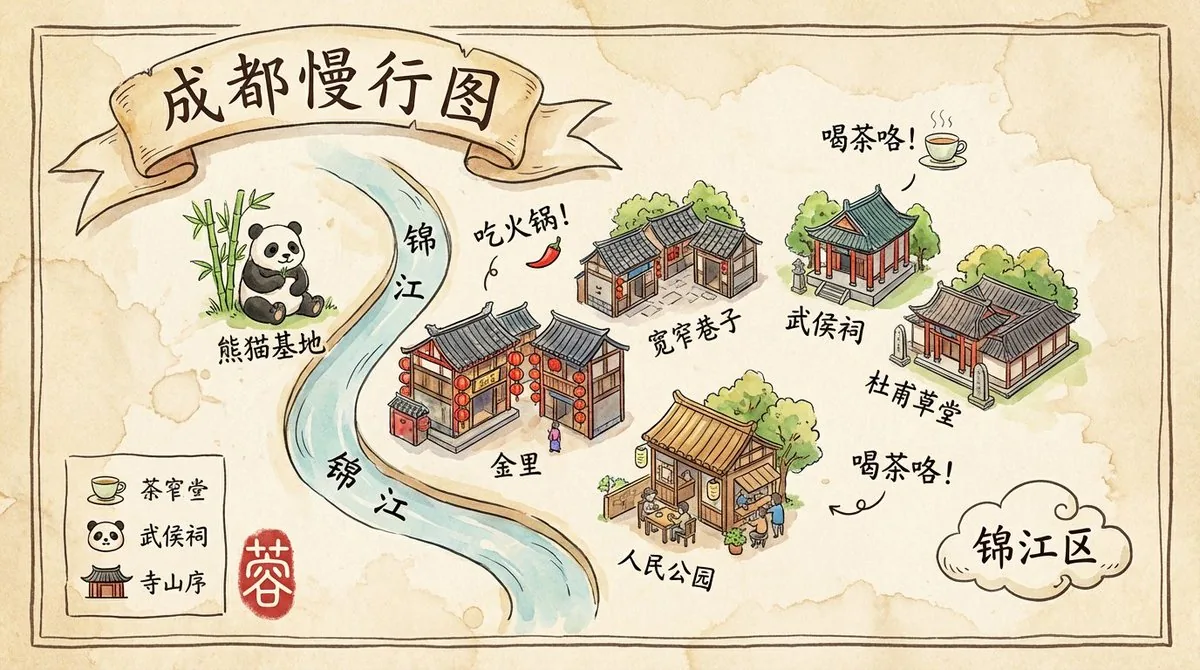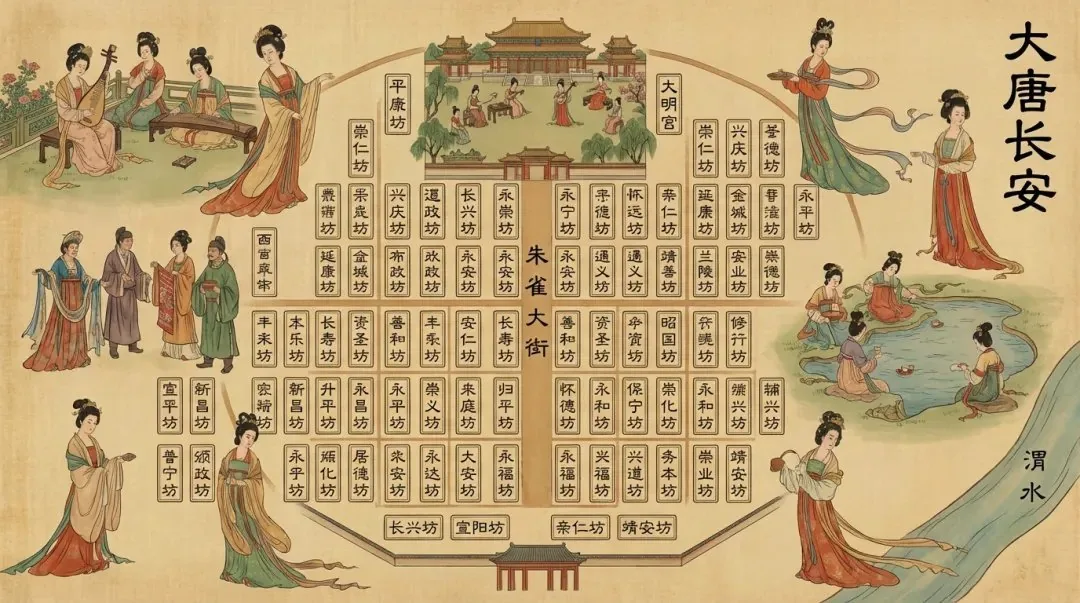
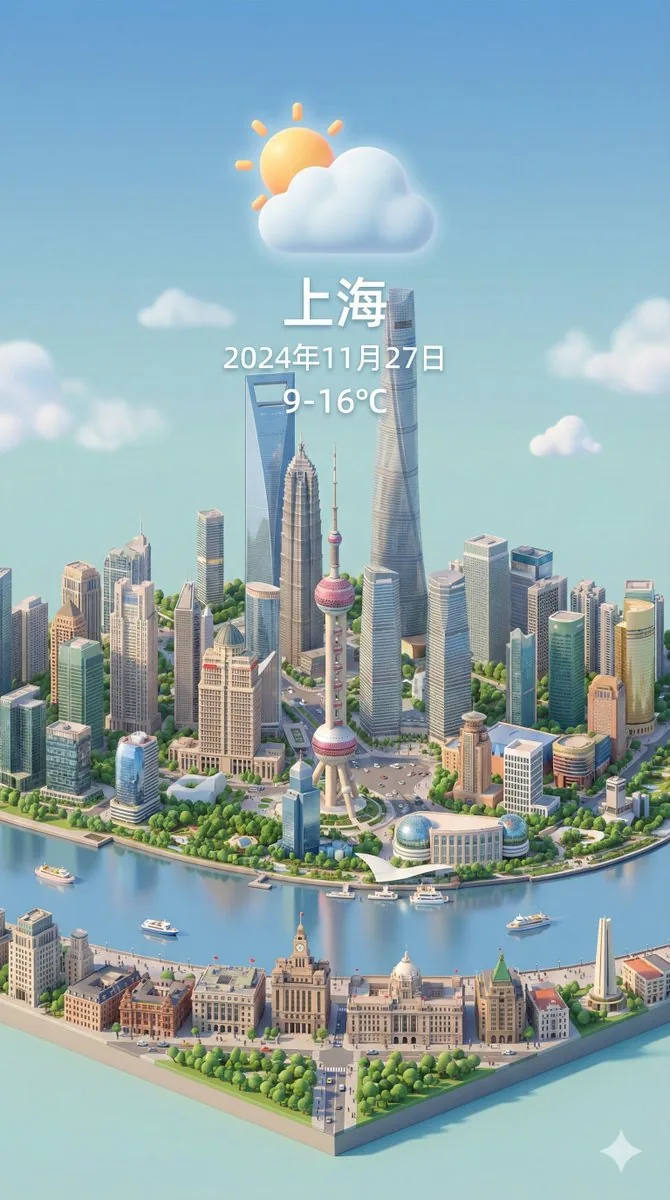
等距 3D 城市天气卡片提示词
竖版 9:16 等距微缩 3D 城市场景,天气元素融入地标建筑,顶部显示城市名、日期和温度。
这张示例图由 @dotey 使用 Nano Banana Pro(Gemini 3 Pro Image)生成。点击下方按钮会打开本站的 GPT Image 2.5 生成器并自动填入提示词,你可以生成类似的图片——结果会与示例不同。
将打开生成器并自动填入提示词,点击“生成”之前不会开始生成。
完整提示词
Present a clear, 45° top-down view of a vertical (9:16) isometric miniature 3D cartoon scene, highlighting iconic landmarks centered in the composition to showcase precise and delicate modeling.

The scene features soft, refined textures with realistic PBR materials and gentle, lifelike lighting and shadow effects. Weather elements are creatively integrated into the urban architecture, establishing a dynamic interaction between the city's landscape and atmospheric conditions, creating an immersive weather ambiance.

Use a clean, unified composition with minimalistic aesthetics and a soft, solid-colored background that highlights the main content. The overall visual style is fresh and soothing.

Display a prominent weather icon at the top-center, with the date (x-small text) and temperature range (medium text) beneath it. The city name (large text) is positioned directly above the weather icon. The weather information has no background and can subtly overlap with the buildings.

The text should match the input city's native language.
Please retrieve current weather conditions for the specified city before rendering.

City name:【上海】
中文译文
以清晰的 45° 俯视视角呈现垂直 (9:16) 等距微缩 3D 卡通场景,突出构图中的标志性地标,以展示精确而精致的建模。

场景采用柔和细腻的纹理,搭配逼真的PBR材质和柔和自然的灯光阴影效果。天气元素巧妙地融入城市建筑之中,在城市景观与大气条件之间建立起动态的互动,营造出身临其境的天气氛围。

采用简洁统一的构图,运用极简主义美学和柔和的纯色背景,突出主要内容。整体视觉风格清新舒缓。

在顶部中央醒目位置显示天气图标,其下方显示日期(超小字体)和温度范围(中等字体)。城市名称(大字体)位于天气图标正上方。天气信息没有背景,可以与建筑物略微重叠。

文本应与输入城市的母语相符。
渲染前请先获取指定城市的当前天气状况。

城市名称:【上海】
用中文译文生成 →使用说明与修改技巧
这是 Nano Banana Pro 热潮里被复用最多的格式之一:改最后一行的城市名(上海),就能得到一张新卡片。适合每日天气、旅行账号和城市宣传内容。原提示词要求“渲染前先获取当前天气”,但生图模型无法联网,建议自己写上天气和温度(如“小雨,18–23°C”)。保留“45° 俯视”和“纯色柔和背景”方便做系列,文字使用城市当地语言。