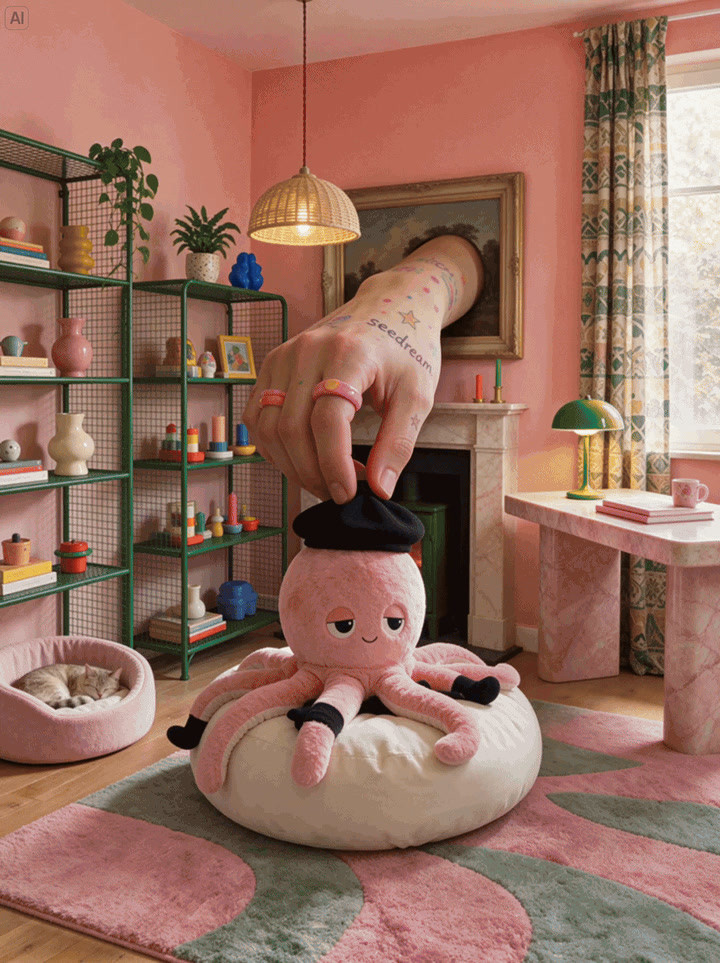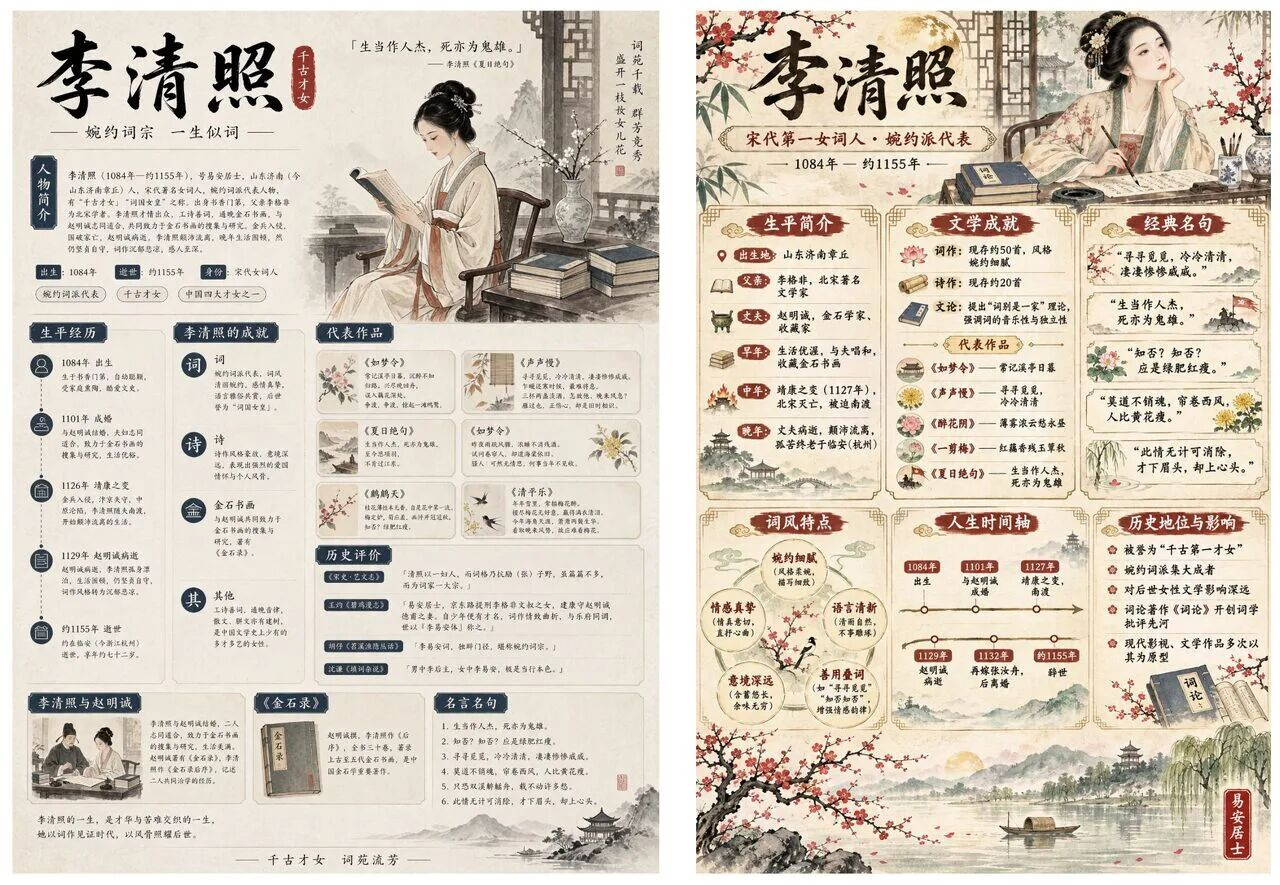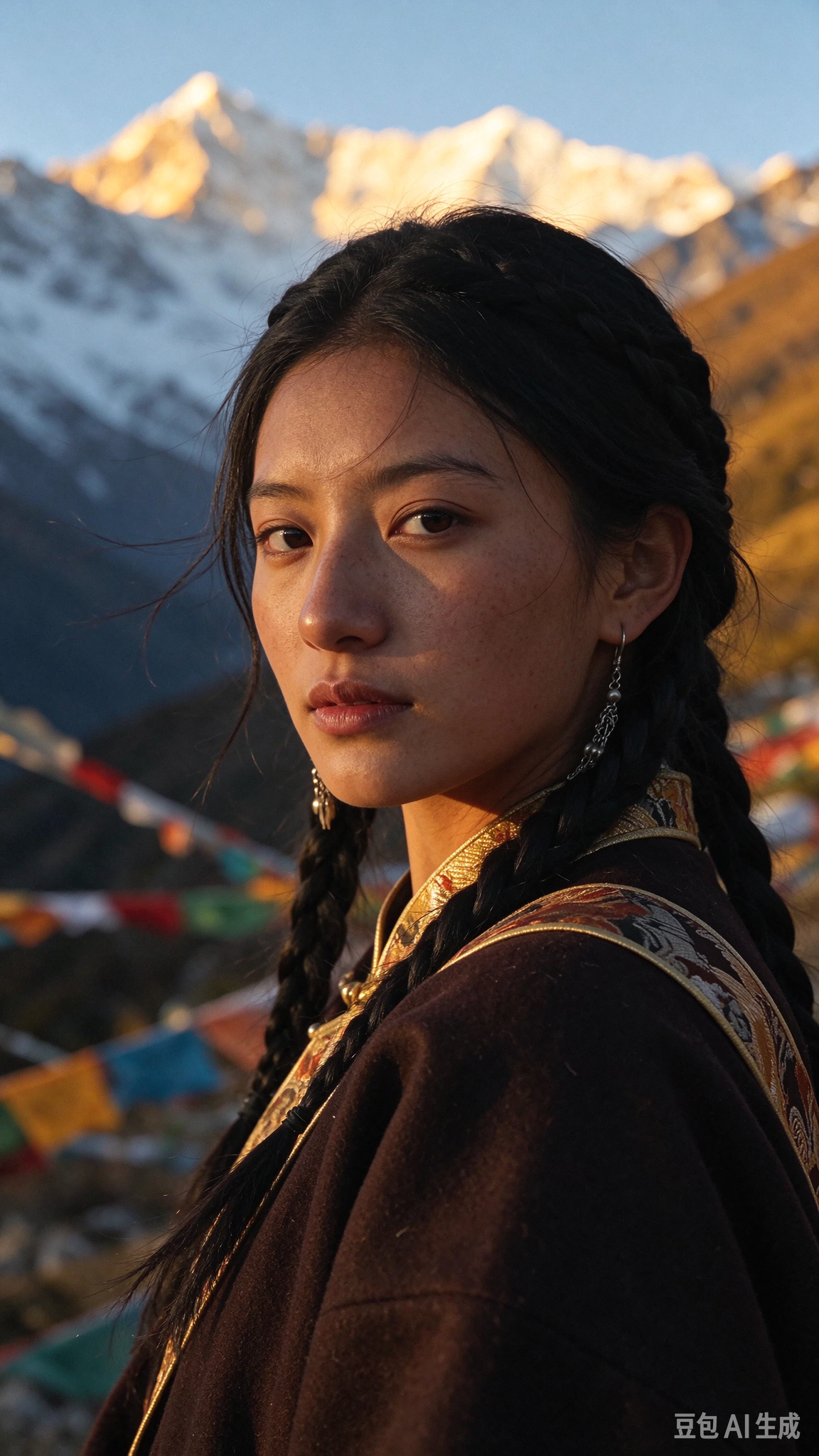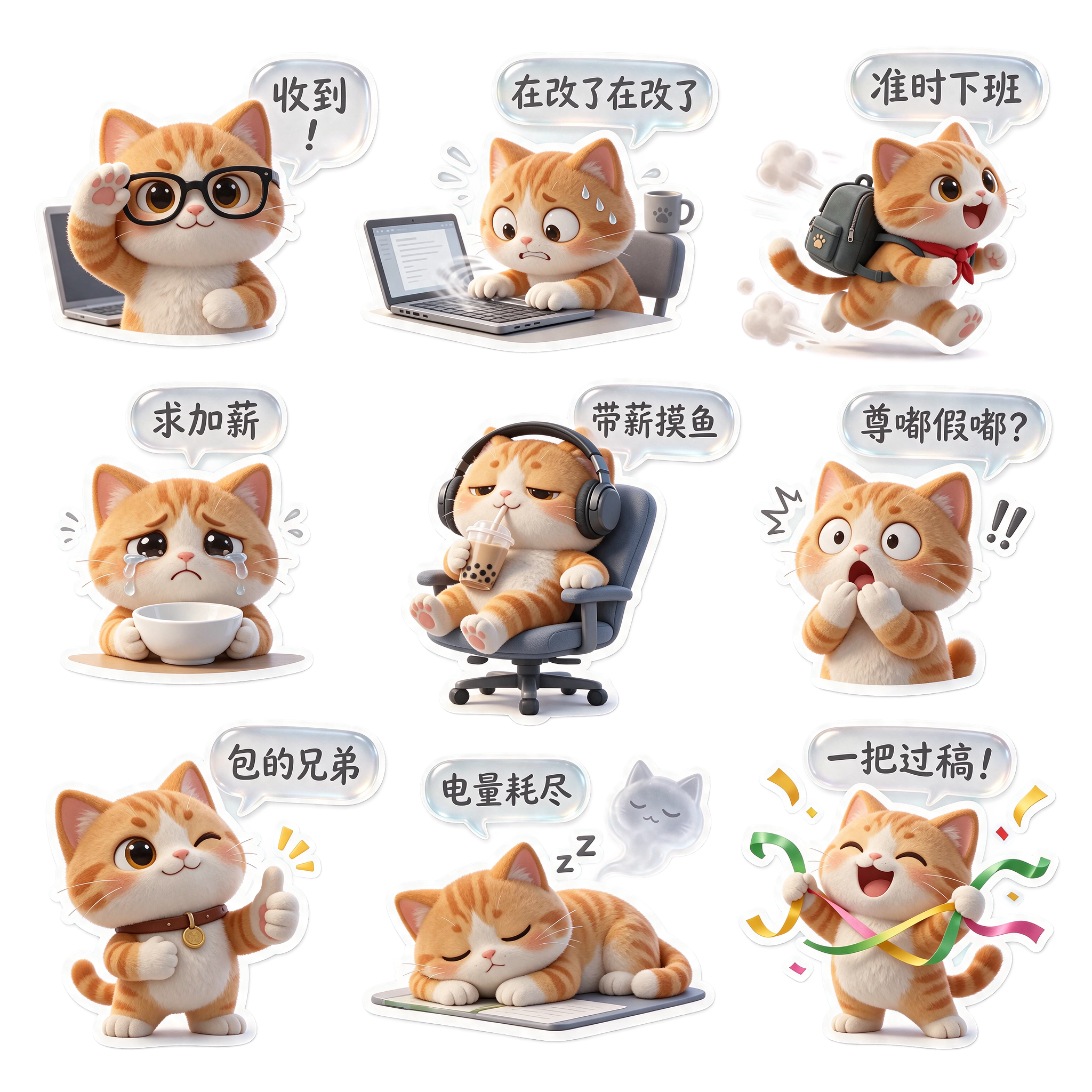
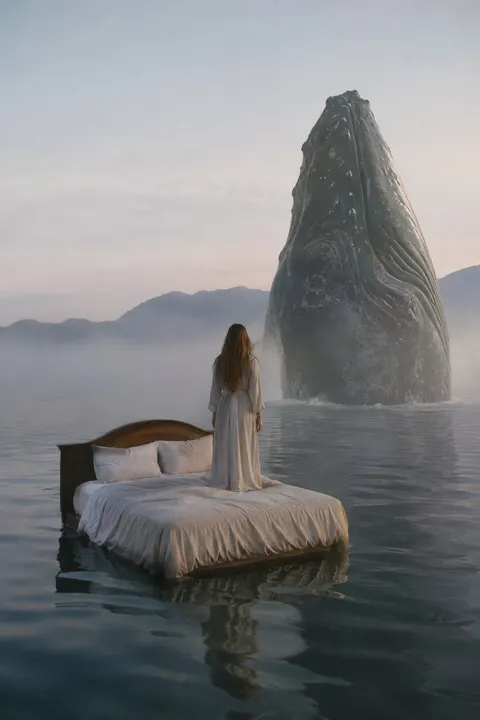
GPT IMAGE 2.6 · DOCUMENTARY
Use gptimage2.6 online as GPT Image 2.6 Sunburst for commercial finals or Flare for faster, cheaper drafts—plus GPT Image 2.5 and GPT Image 2 still one click away. Steadier multi-turn edits, stronger subject consistency, and 1K–4K output ready for posters, ecommerce and brand visuals. Flare and Sunburst can also export animated GIFs and editable SVG. One free try, no API key needed.
Sunburst for finals / Flare for fast drafts / GIF loops and SVG vectors
Explore real GPT Image 2.6 cases curated in awesome-gpt-images-2.6 — official OpenAI documentation and announcement samples, from documentary photos to comics, packaging, and multi-turn edits. Then choose your creative lane: rapid exploration with Flare or refined detail with Sunburst.
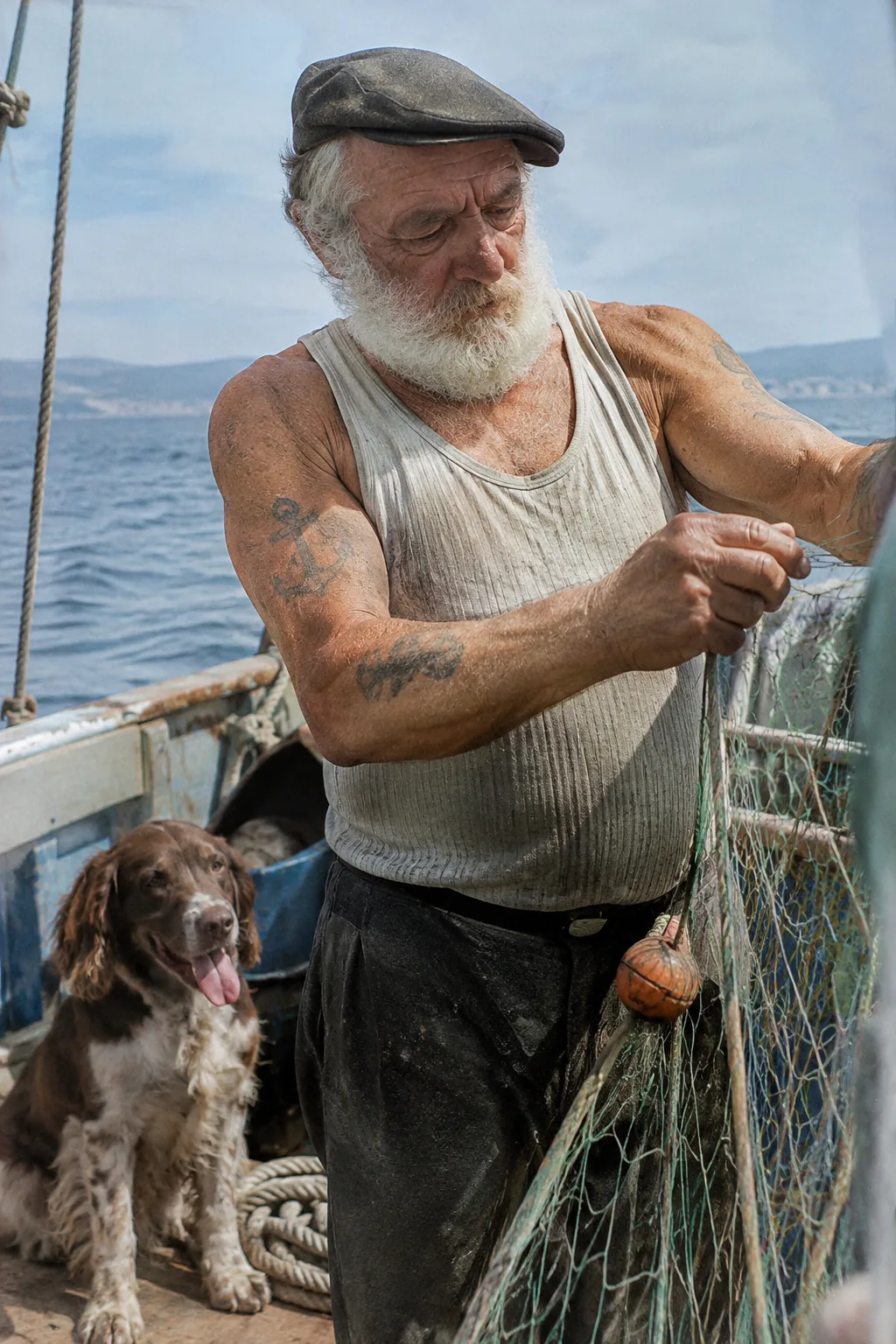
GPT IMAGE 2.6 · DOCUMENTARY
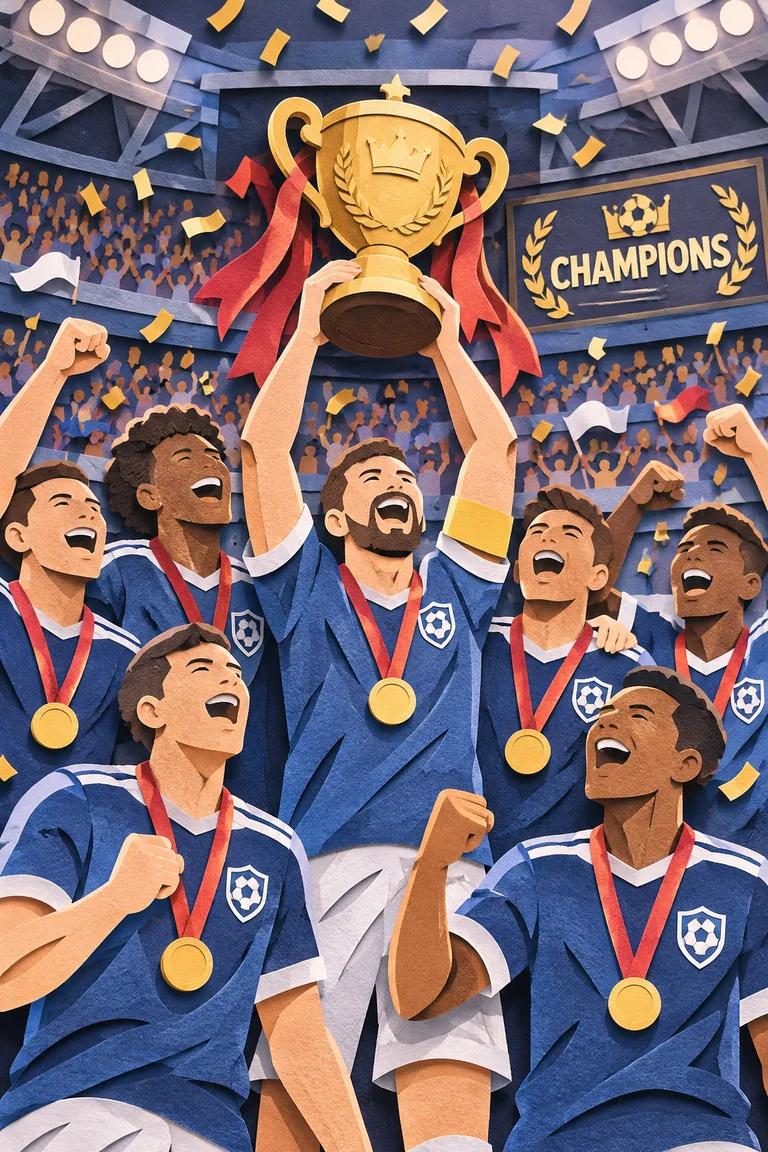
GPT IMAGE 2.6 · PAPER CUT
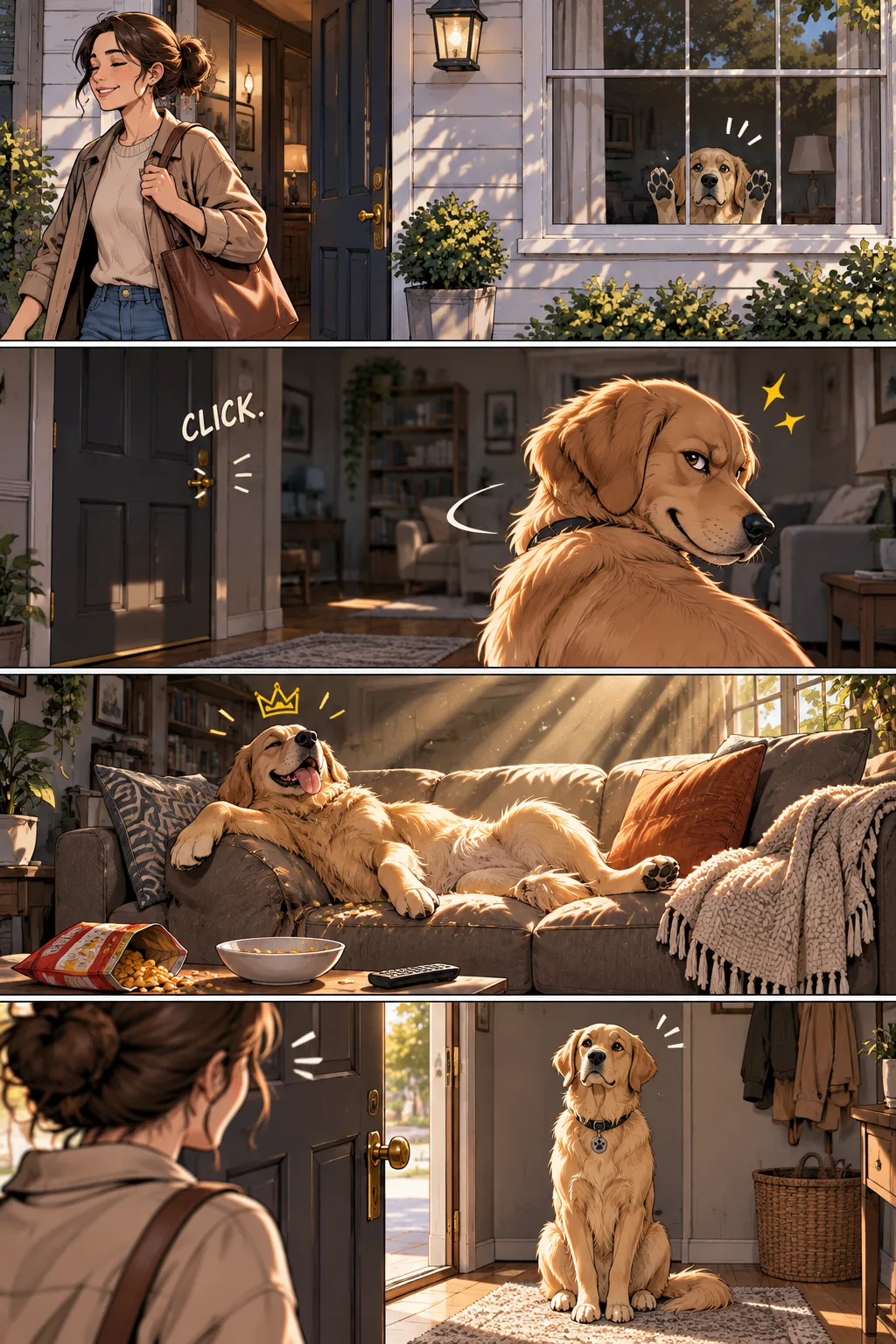
GPT IMAGE 2.6 · COMIC
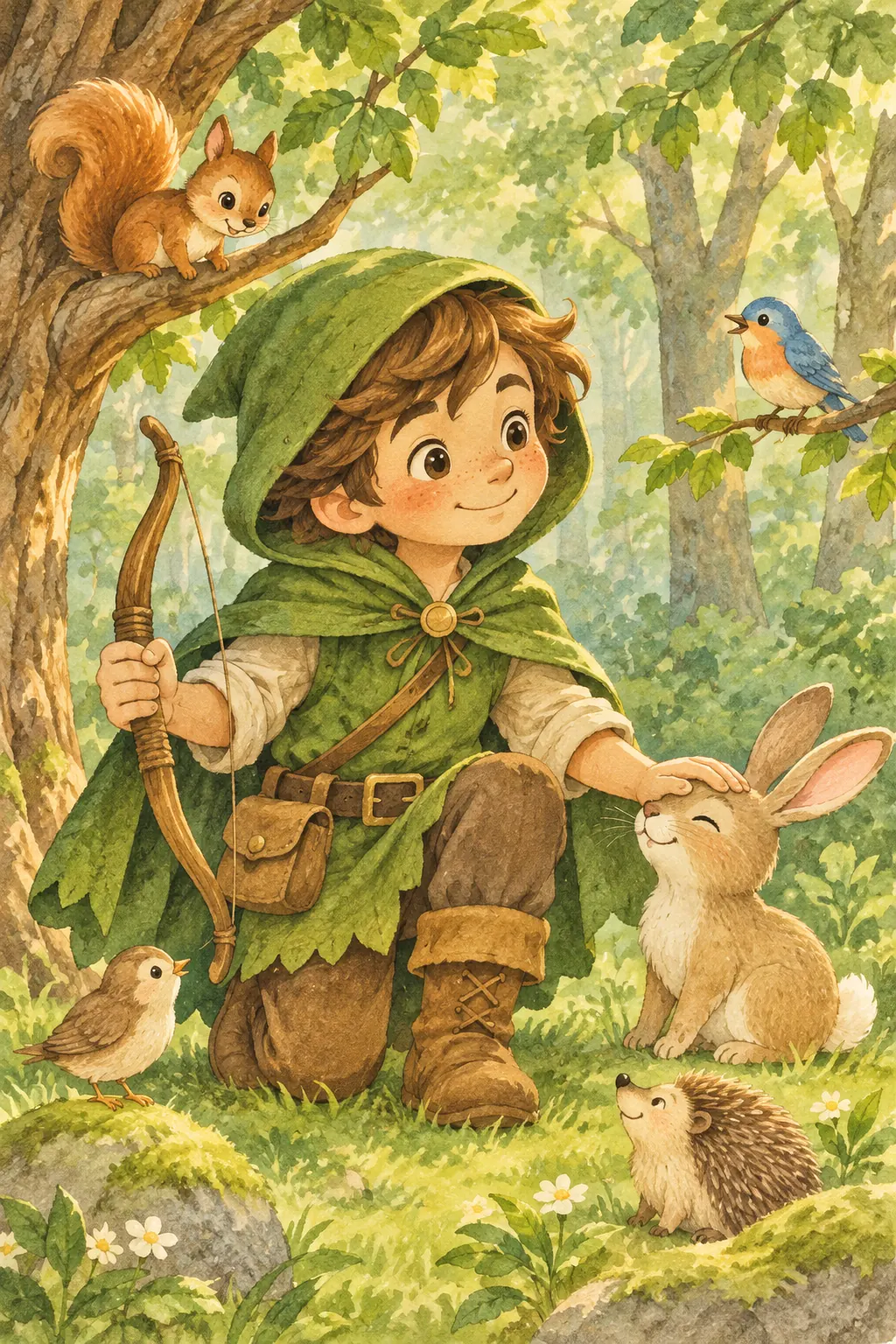
GPT IMAGE 2.6 · CHARACTER
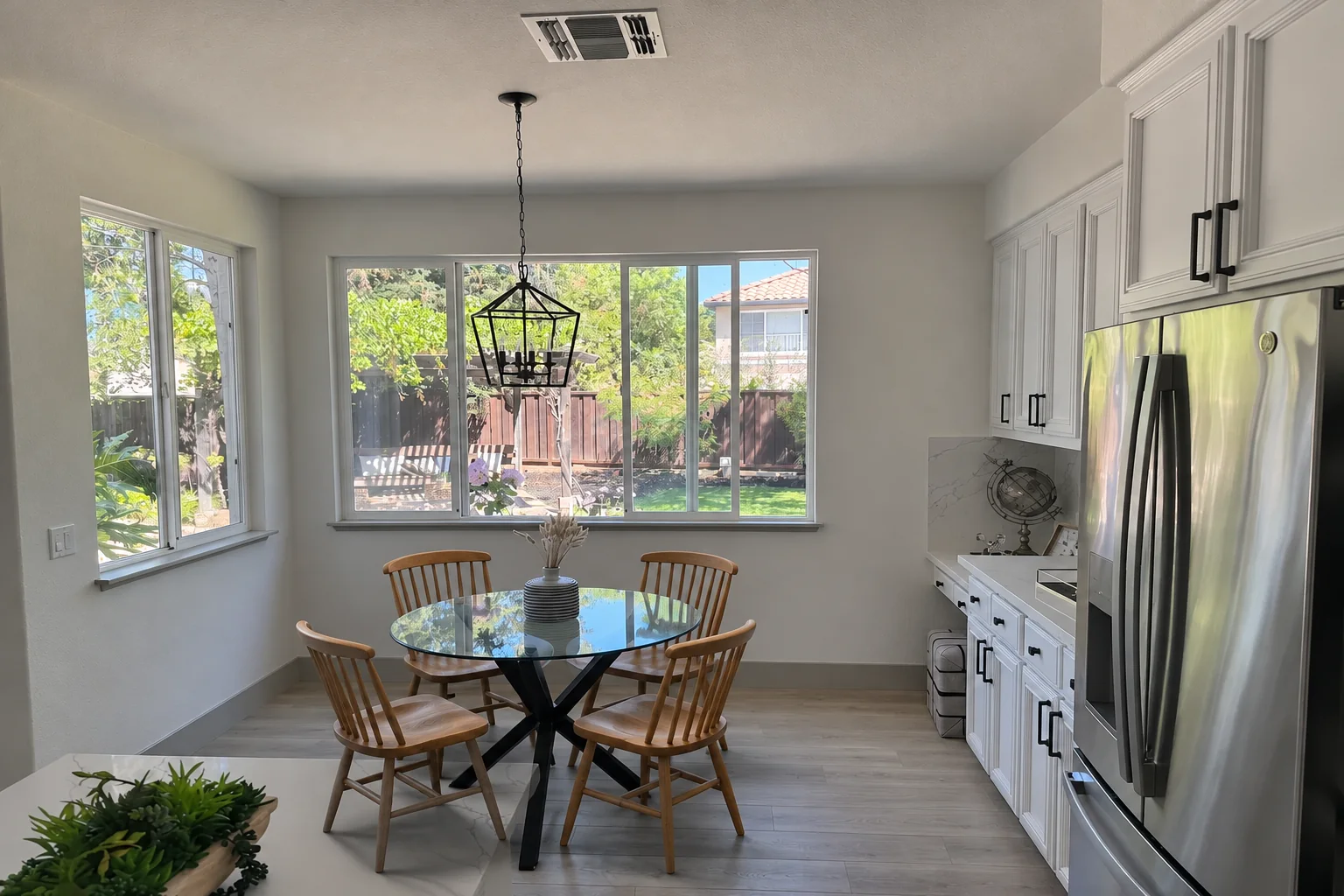
GPT IMAGE 2.6 · INTERIOR EDIT
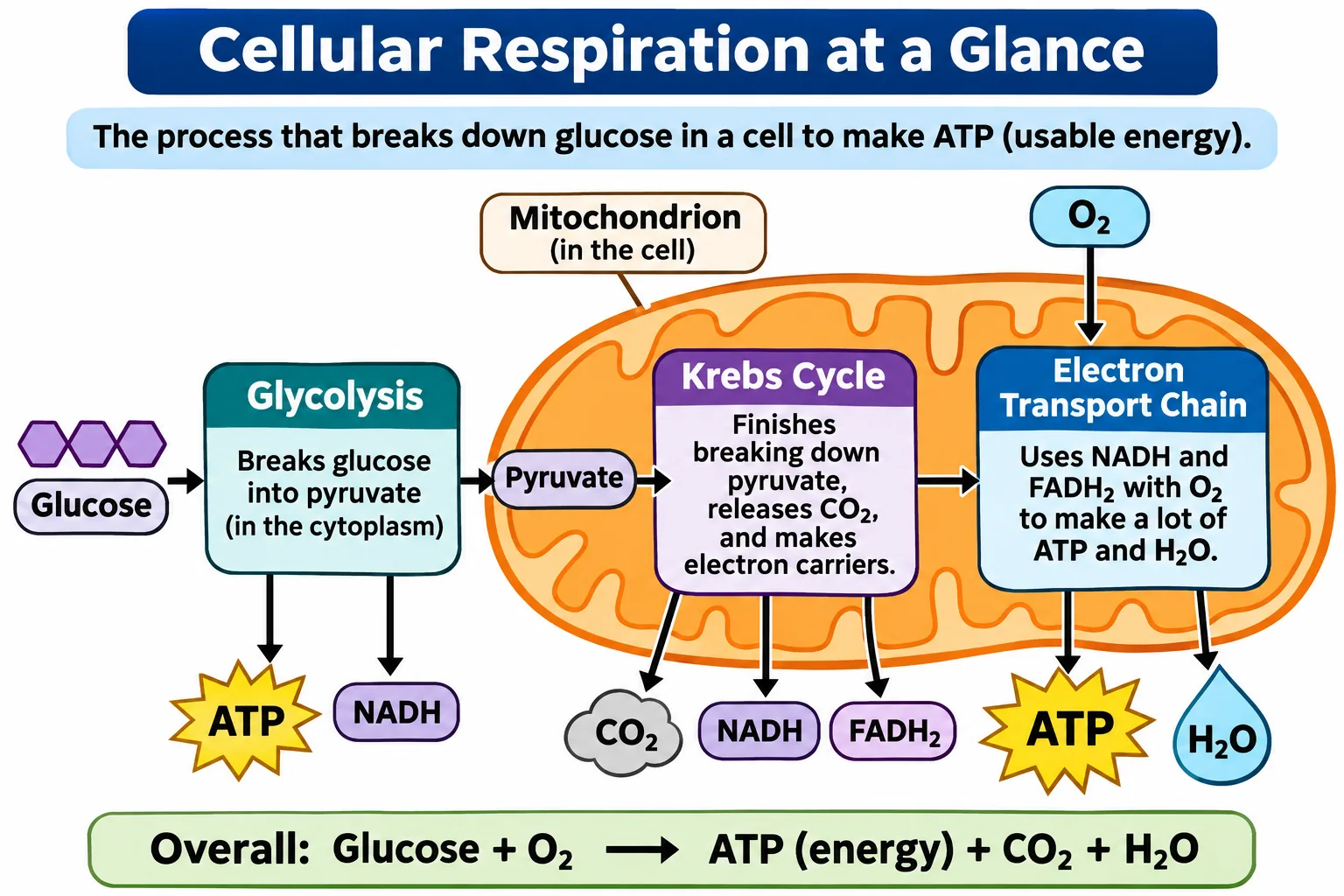
GPT IMAGE 2.6 · EDUCATION
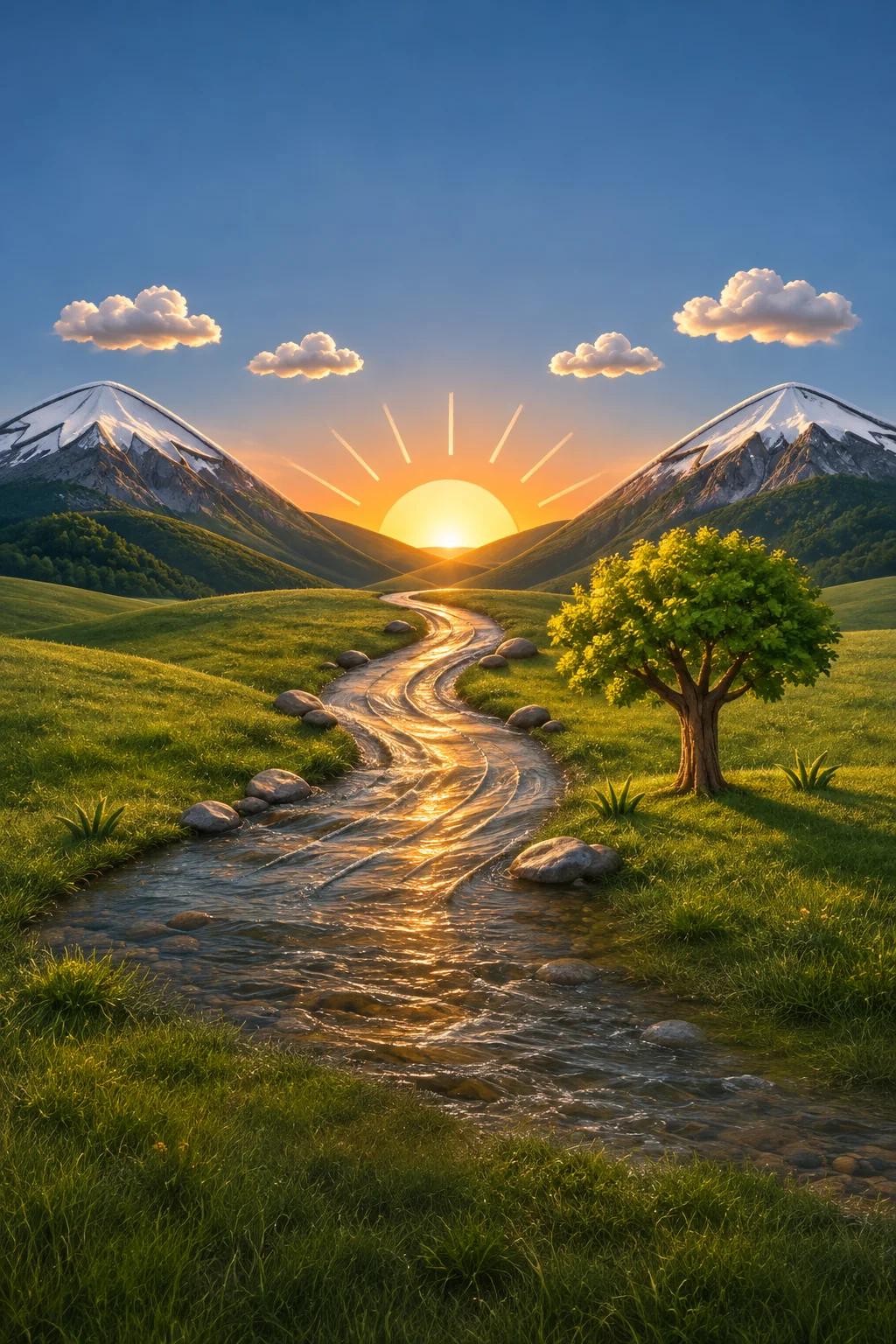
GPT IMAGE 2.6 · SKETCH TO PHOTO

GPT IMAGE 2.6 · HOLIDAY CARD

GPT IMAGE 2.6 · PACKAGING
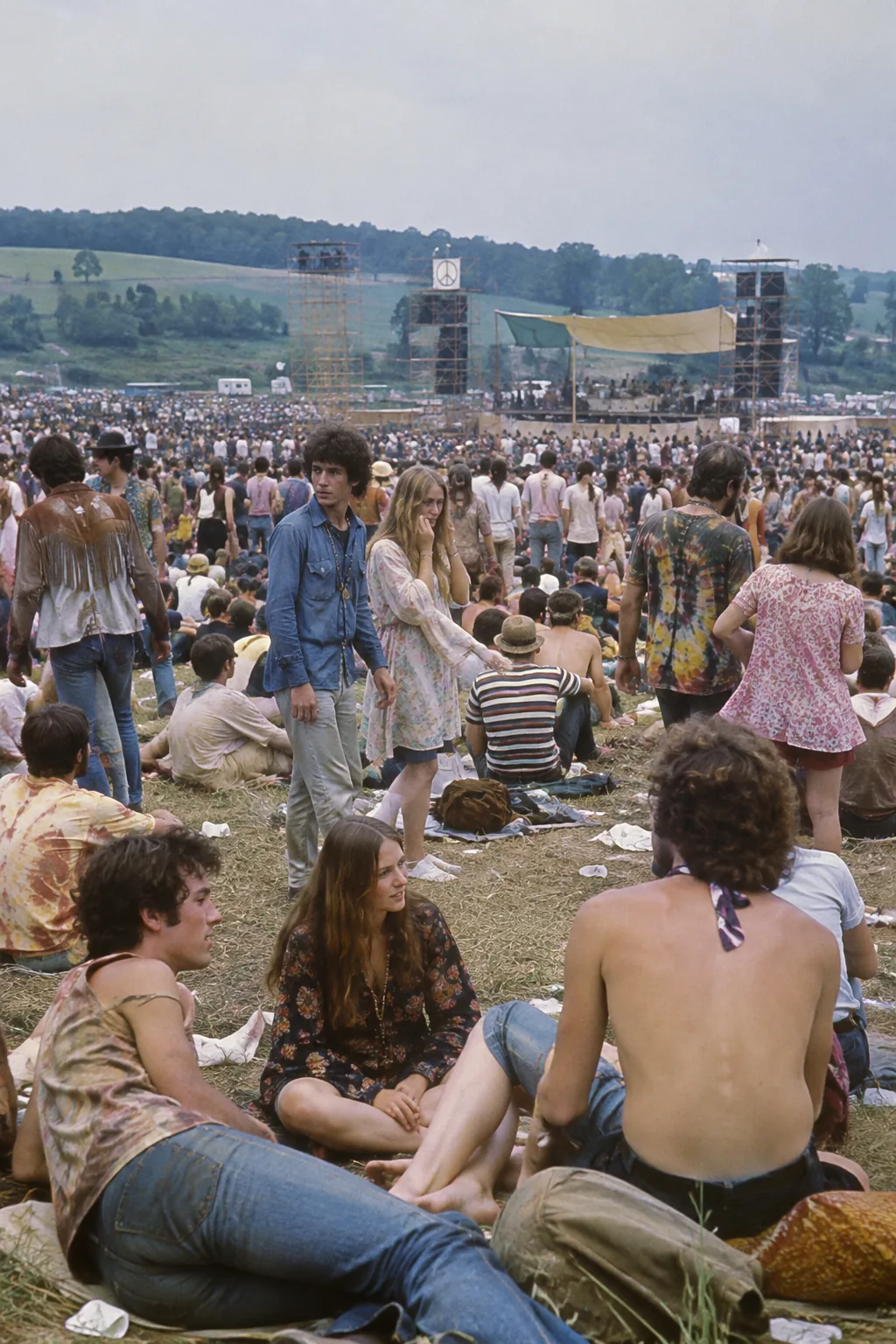
GPT IMAGE 2.6 · WORLD KNOWLEDGE
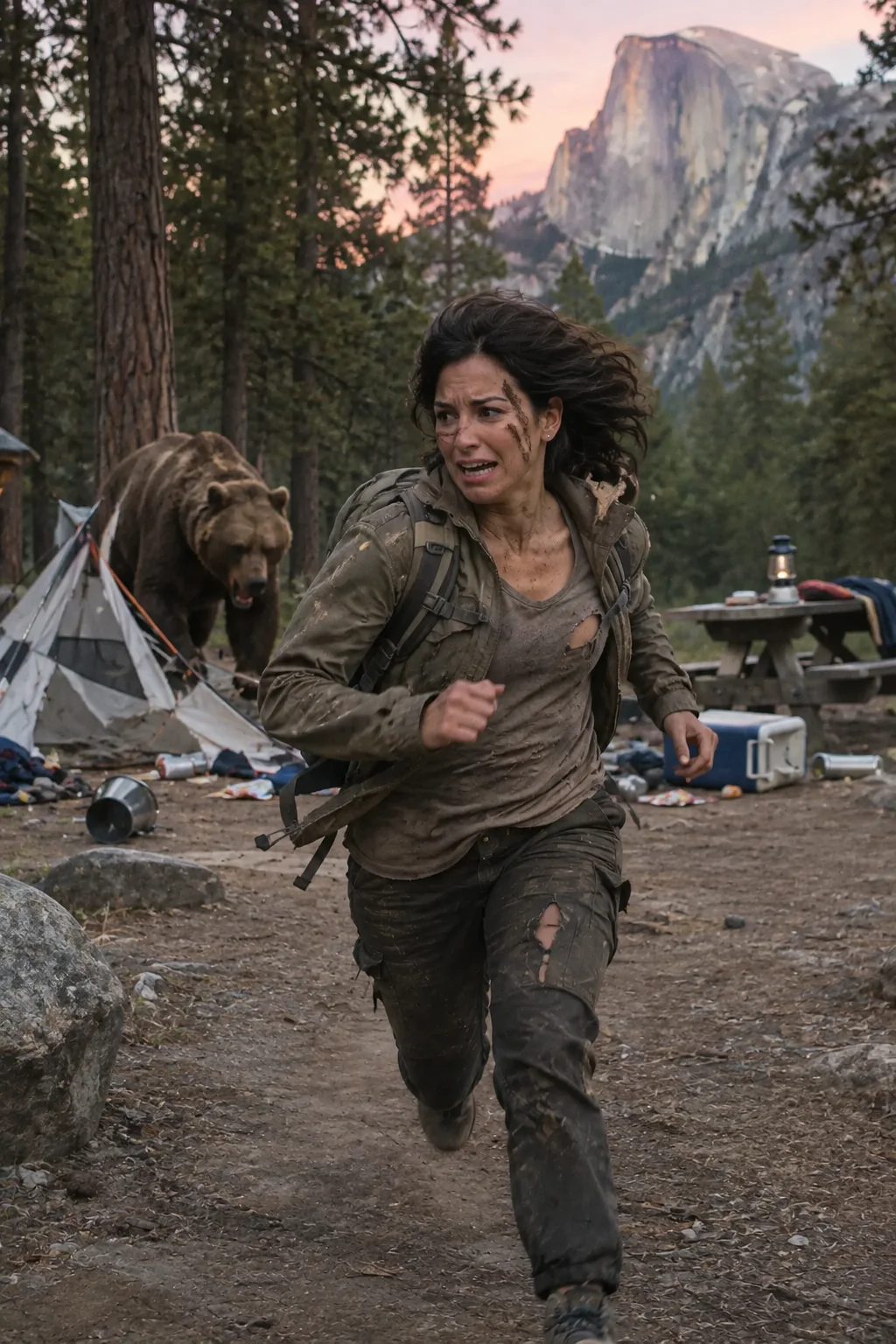
GPT IMAGE 2.6 · COMPOSITE
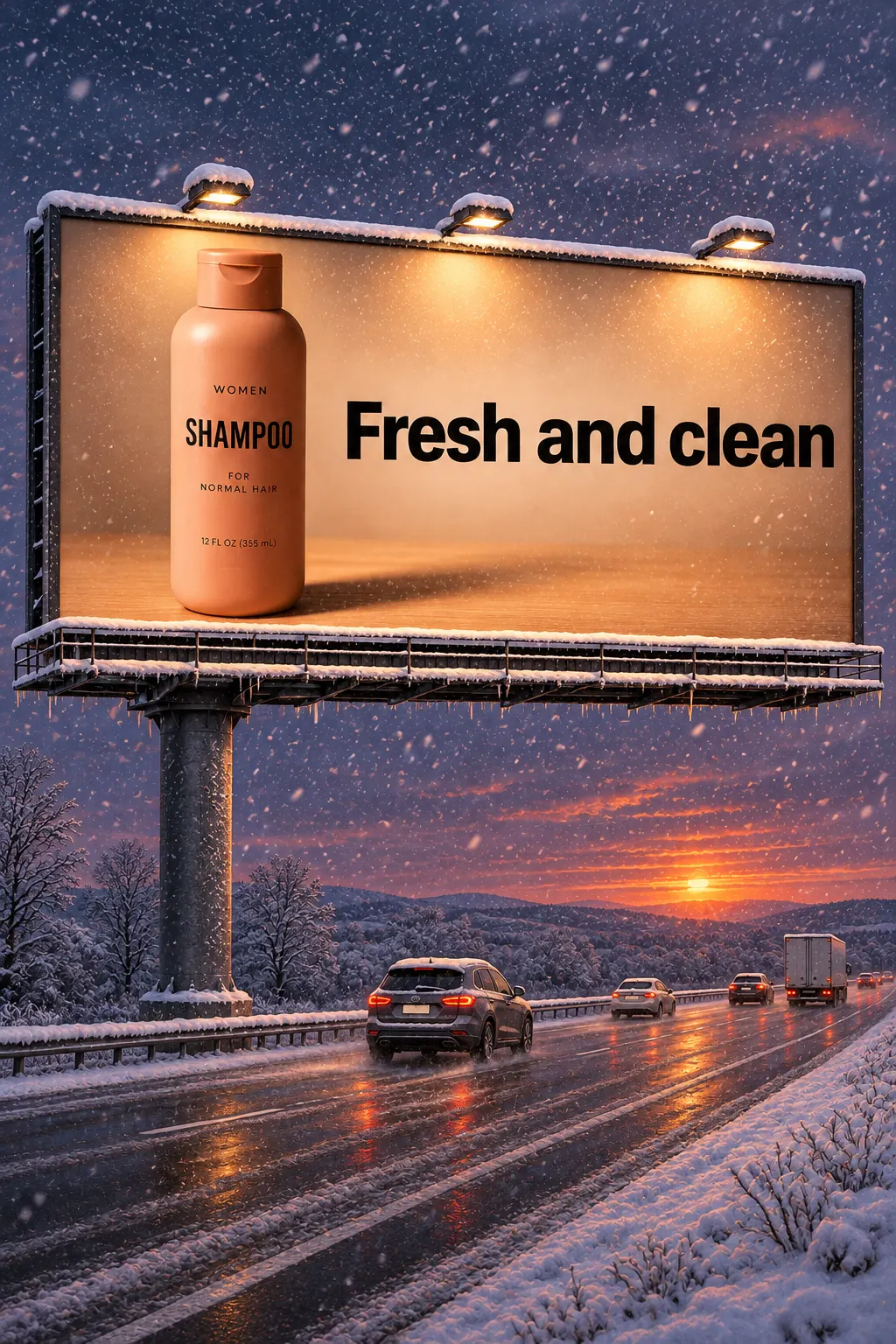
GPT IMAGE 2.6 · MULTI-TURN EDIT
Real GPT Image 2.6 samples · curated from official OpenAI docs in github.com/xianyu110/awesome-gpt-images-2.6
Explore the full galleryByteDance Seed’s image model is available here. Use it for precise multi-turn edits, native transparent PNGs, and stills that hold lighting, materials, and small type.
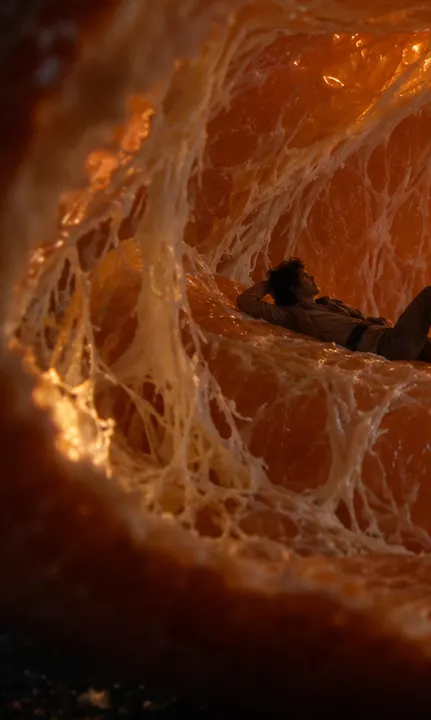
GPT Image 2.5
Use GPT Image 2.5 online: Flare for fast drafts, Sunburst for high-quality final images. Text to image and image editing in 1K, 2K and 4K, with clear per-image credits.
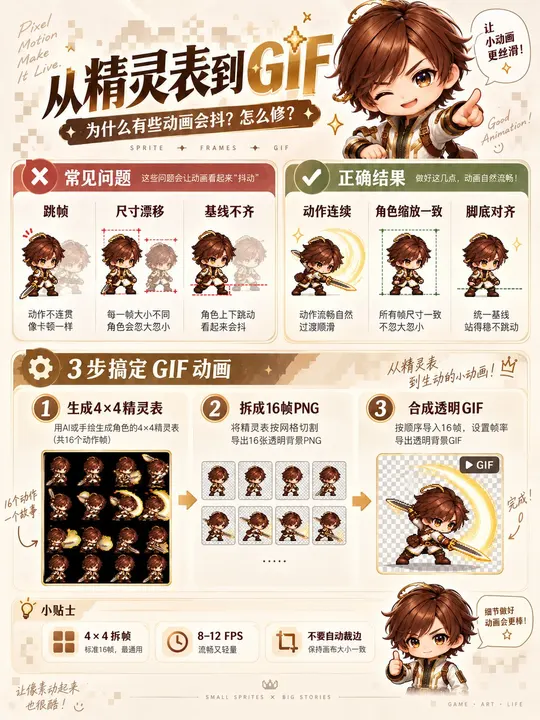
GPT Image 2.5 Prompts
Browse community GPT Image 2.5 prompts for posters, portraits, ecommerce, pixel art, UI and model comparisons. Copy any prompt or try it in one click with Flare or Sunburst.
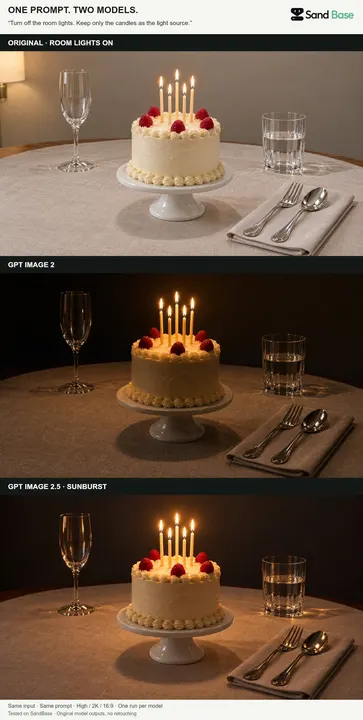
GPT Image 2.5 vs GPT Image 2
GPT Image 2.5 vs GPT Image 2: how Flare and Sunburst compare with the previous generation, what changed in the API, and when to switch. Run both on the same prompt.
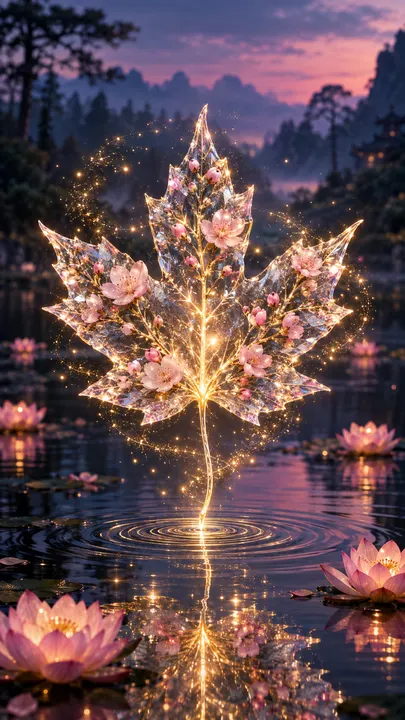
Free GPT Image 2.5
Try GPT Image 2.5 for free: one free Flare generation without signing up, a free prompt library, and the cheapest ways to keep going. No API key needed.
gptimage2.6 is how creators search for GPT Image 2.6—OpenAI's newest image model family on this site as Sunburst (higher detail, default) and Flare (faster, cheaper drafts), with GPT Image 2.5 and GPT Image 2 still available for comparison. Instead of only exposing model power, the site turns generation, editing, realism and commercial output into a workflow teams can actually adopt.
Flare targets faster, cheaper drafts and batch iteration—often described as about 50% faster than the prior generation story. Sunburst prioritizes finer detail for commercial delivery.
When you keep editing an existing image, Sunburst better preserves the subject, composition, lighting, materials, and brand details across turns.
Better suited for product shots, people, ad visuals, and branded image outputs instead of demo-only quality.
Why this positioning works
The best landing pages do not stop at saying the model is powerful. They explain what teams can ship with GPT Image 2.6 Flare and Sunburst, why the output looks more reliable, and why it is worth using in production right now.
A strong landing page explains outcomes, not just technical capability: can it draft fast, edit reliably across turns, look real, and ship commercially?
Use Flare when you need quick, lower-cost drafts and batch exploration before locking a look.
Choose Sunburst for finer detail, steadier subject consistency, and commercial-ready stills.
Start from a prompt or a reference image, then refine with natural-language instructions.
A better fit for video thumbnails, hero banners, portrait posters, social covers, and ad creatives.
Refine scenes, swap elements, and continue editing with natural language instead of restarting every time.
Built for content, growth, brand, and ecommerce teams that need visuals they can actually ship.
Short loops, motion, stickers, and expressions on Flare or Sunburst. Set 2–16 frames (default 9) and 20–2000 ms per frame (default 200). Describe the subject, the motion, and the loop.
Text-to-image icons, logos, and vector illustrations, with transparent backgrounds supported. One SVG at a time, previewed and downloaded as a real .svg. Not for reference-image edits, not an edit input, not in batch generate, and not on the guest free trial.
Flare and Sunburst still make 1K–4K stills and reference edits. On the generate page you can also choose animated GIF or SVG, then open the model you want.
For short loops, motion, stickers, and expressions. Choose 2–16 frames (default 9) and 20–2000 ms per frame (default 200). Write the subject, the motion, and how the loop should repeat.
For icons, logos, and vector illustrations you can keep editing. Text-to-image only, one image at a time, with transparent backgrounds supported. The result previews on the page and downloads as a real .svg file. SVG is not available for reference-image edits, an SVG cannot be uploaded as an edit input, batch generate does not offer it, and the guest free trial cannot export SVG—sign in first.
Generate output formats for GPT Image 2.6 are PNG, JPEG, GIF, and SVG.
Show the reverse-prompt feature inside the full workflow: upload a photo, let AI read it, generate a professional prompt, then create portraits ready to download or share.
Upload a selfie, ID-style photo, or reference image while preserving identity and key facial features.
AI analyzes clothing, lighting, expression, lens, and mood to create a professional photography prompt.
Choose a style and generate polished AI portraits for avatars, social posts, ecommerce, or campaigns.
Save high-resolution images, reuse the prompt, or share your result with the community.

AI reverse prompt example
Indoor soft-light portrait photography, preserve the uploaded person's identity and facial features, white lace dress, natural window light, warm tones, medium shot, realistic skin texture, editorial magazine quality.
Generated result preview


Use real creation scenarios to build trust: avatars, portraits, ecommerce assets, and batch creative testing can all start from the same workflow.
Reverse prompting first keeps the style much more consistent than rewriting prompts from scratch.
Independent creator
One product reference image can become studio shots, lifestyle scenes, and seasonal campaign visuals.
Cross-border seller
Once a look works, the saved prompt can recreate the same visual direction with a new photo.
Content operator
Answers to common questions about models, credits, free trial and payment.
gptimage2.6 is the compact name for GPT Image 2.6, OpenAI's newest image model family on this site. Use Sunburst (higher detail, default) and Flare (faster drafts) for text-to-image and reference-image editing at 1K–4K, with no API key needed. GPT Image 2.5 and GPT Image 2 remain available in the model picker.
GPT Image 2.6 Flare is the faster, cheaper draft lane—great for iteration and batch tries, with a ~50% faster generation story vs prior gen. Sunburst is the higher-detail lane for steadier multi-turn edits, subject consistency, and commercial finals. GPT Image 2.5 Flare/Sunburst and GPT Image 2 are still available for comparison.
Faster draft loops with Flare, higher-detail finals with Sunburst, steadier multi-turn edit fidelity, realism, and commercial usability are the biggest reasons teams adopt this generation.
Posters, ecommerce creatives, brand visuals, event KV, social covers, ad concepts, and content illustrations are strong use cases.
Landscape, portrait, and square framing with 1K–4K output options for generation and reference-based editing.
Yes. Guests can try one free still image before signing in. Animated GIF and SVG export need a signed-in GPT Image 2.6 session—the guest trial cannot export SVG.
Yes. On the generate page, Flare and Sunburst offer PNG, JPEG, GIF, and SVG. GIF uses 2–16 frames (default 9) and 20–2000 ms per frame (default 200); describe the subject, the motion, and the loop. SVG is text-to-image only: icons, logos, and editable vectors, transparent backgrounds supported, one result at a time, saved as a real .svg. Reference-image edits cannot output or accept SVG, and batch generate does not offer SVG.
If the goal is not just to generate something but to ship something usable for marketing, branding, and real production, start with one free gptimage2.6 (GPT Image 2.6) try—Sunburst or Flare, no API key.
Try one free guest generation, then upgrade when your usage grows.
Perfect for first-time users
Includes

~$0.05 per generation
Most popular, best value
Everything in Trial, plus
~$0.029 per generation, save 42%
For creators and teams
Everything in Value, plus
~$0.02 per generation, save 60%
Do not choose by price alone. Match the pack to your creation rhythm: test, create consistently, or produce in batches.
Best for first-time testing across 3-5 styles and checking identity fidelity, prompt reverse engineering, and downloads.
Best for avatars, social visuals, campaign key art, ecommerce exploration, and keeping multiple usable variants.
Best for teams running style tests, ad creatives, product visuals, and long-term content production.
Start with reverse prompting and see whether GPT Image 2.6 can turn your photo into a publishable, downloadable, reusable visual.