把文章变成手绘卡通信息图提示词
在提示词后粘贴一篇文章,即可生成 16:9 手绘卡通风信息图:图标、关键词、留白充足。
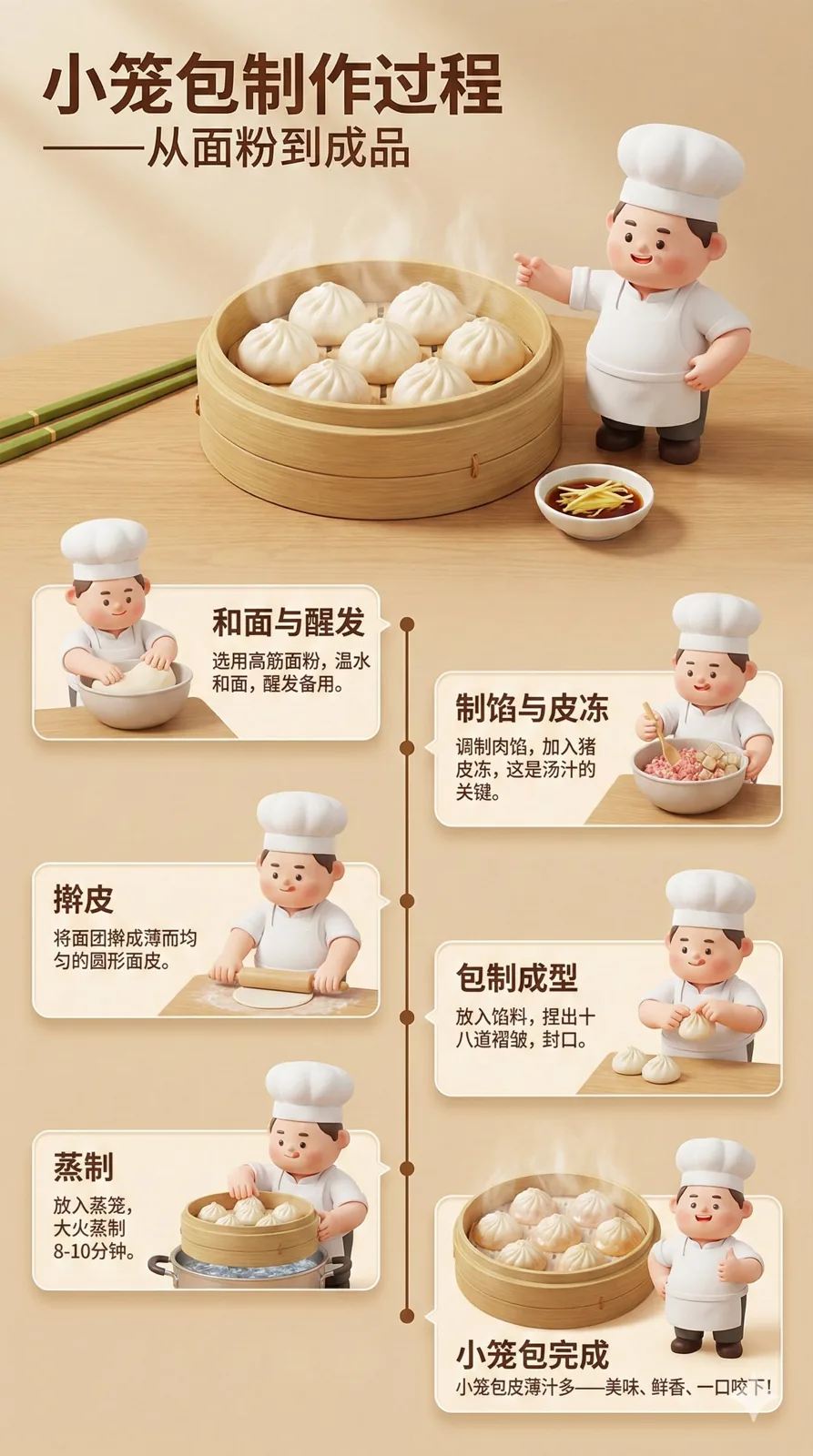
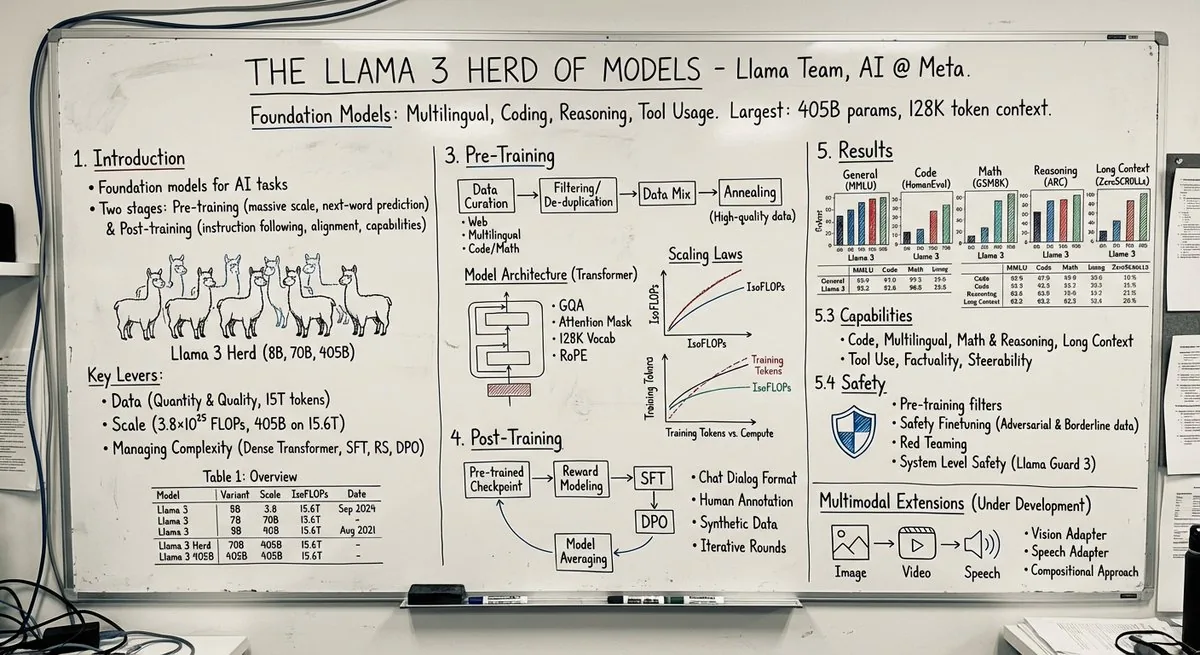
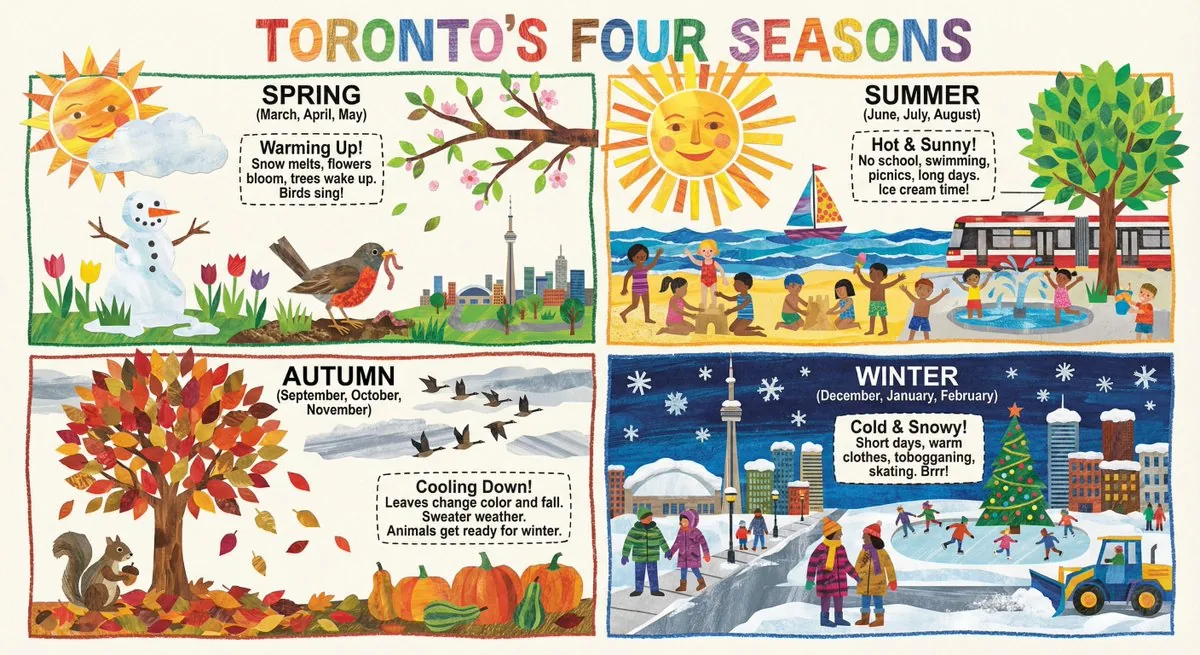
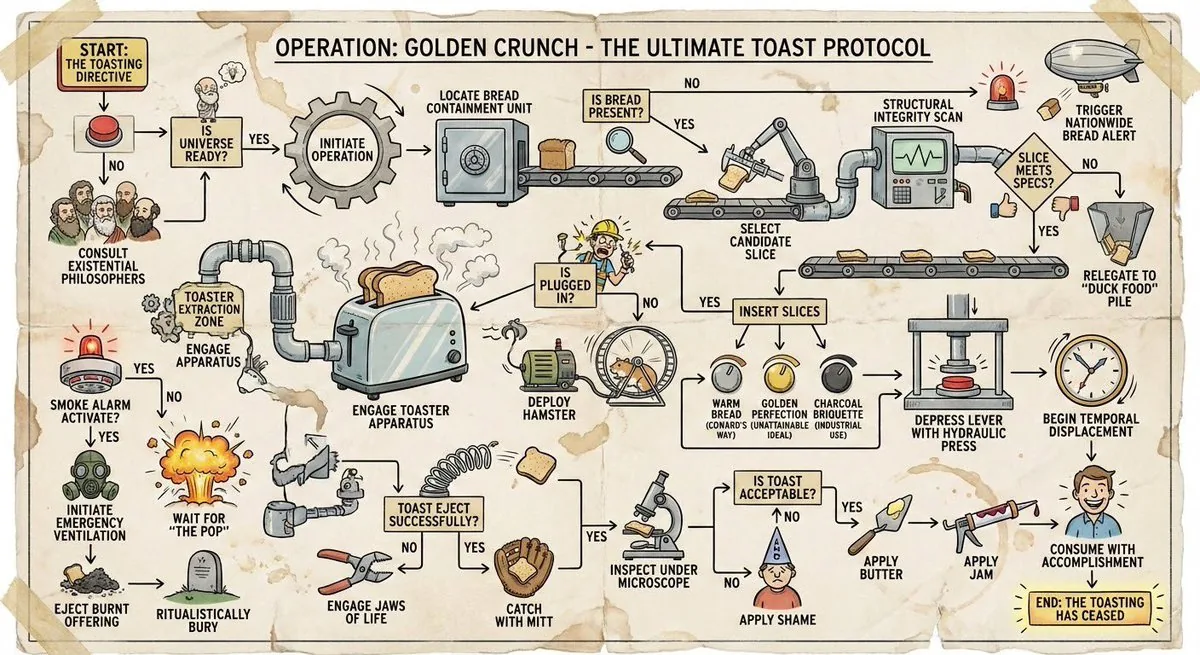
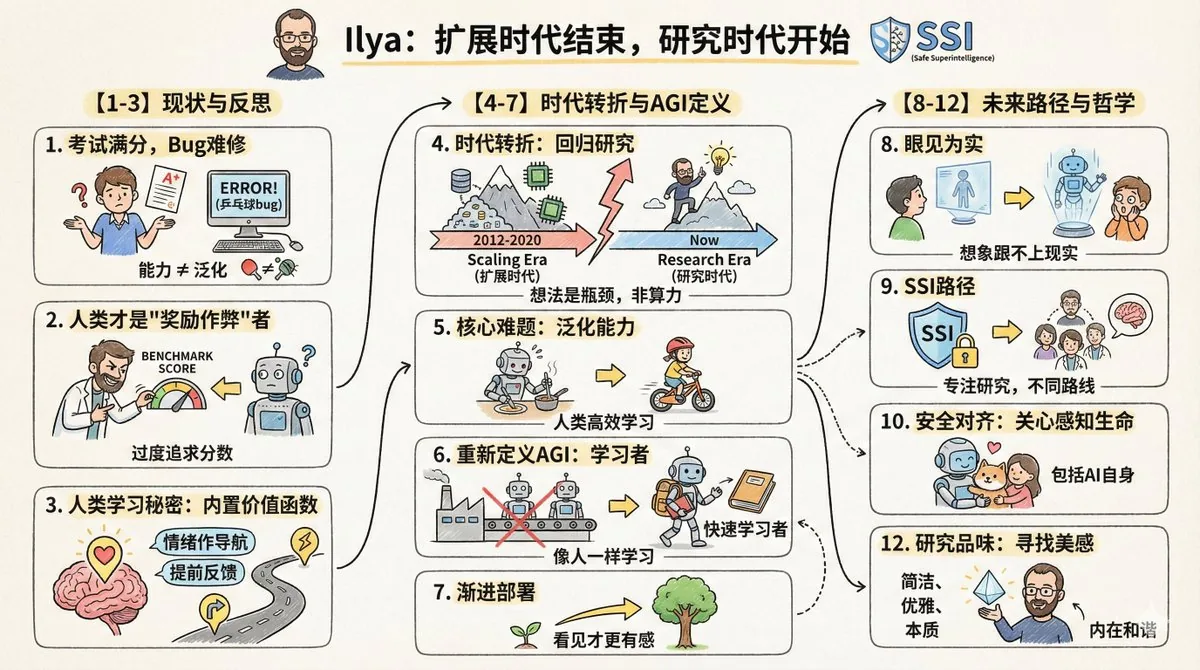
这张示例图由 @dotey 使用 Nano Banana Pro(Gemini 3 Pro Image)生成。点击下方按钮会打开本站的 GPT Image 2.5 生成器并自动填入提示词,你可以生成类似的图片——结果会与示例不同。
将打开生成器并自动填入提示词,点击“生成”之前不会开始生成。
这条提示词需要参考图或你自己的内容——请先在生成器中上传图片或粘贴文字。
完整提示词
Please create a cartoon-style infographic based on the provided content, following these guidelines:

- Hand-drawn illustration style, landscape orientation (16:9 aspect ratio).

- Include a small number of simple cartoon elements, icons, or famous personalities to enhance visual interest and memorability.

- If the content includes sensitive or copyrighted figures, replace them with visually similar alternatives; do not refuse to generate the illustration.

- All imagery and text must strictly adhere to a hand-drawn style; avoid realistic visual elements.

- Keep information concise, highlighting keywords and core concepts. Utilize ample whitespace to clearly emphasize key points.

- Unless otherwise specified, use the same language as the provided content.

Please use nano banana pro to create the illustration based on the input provided.
中文译文
请根据输入内容提取核心主题与要点,生成一张卡通风格的信息图:
- 采用手绘风格,横版(16:9)构图。
- 加入少量简洁的卡通元素、图标或名人画像,增强趣味性和视觉记忆。
- 如果有敏感人物或者版权内容,画一个相似替代,但是不要拒绝生成
- 所有图像、文字必须使用手绘风格,没有写实风格图画元素
- 除非特别要求,否则语言与输入内容语言一致。
- 信息精简,突出关键词与核心概念,多留白,易于一眼抓住重点。

请根据输入的内容使用 nano banana pro 画图:
用中文译文生成 →使用说明与修改技巧
一条可复用的“内容转图”指令:在最后一行后面粘贴你的文字,模型会提炼要点并排版。适合公众号、课程笔记、PPT 封面和长文总结。保留“语言与输入内容一致”,中文文章就会生成中文图。把“横版 16:9”改成“竖版 9:16”适合手机阅读。最后一行提到了 Nano Banana Pro,可以保留也可以删掉,这些指令在 GPT Image 2.5 上同样适用。输入内容越精简,文字越清晰。