
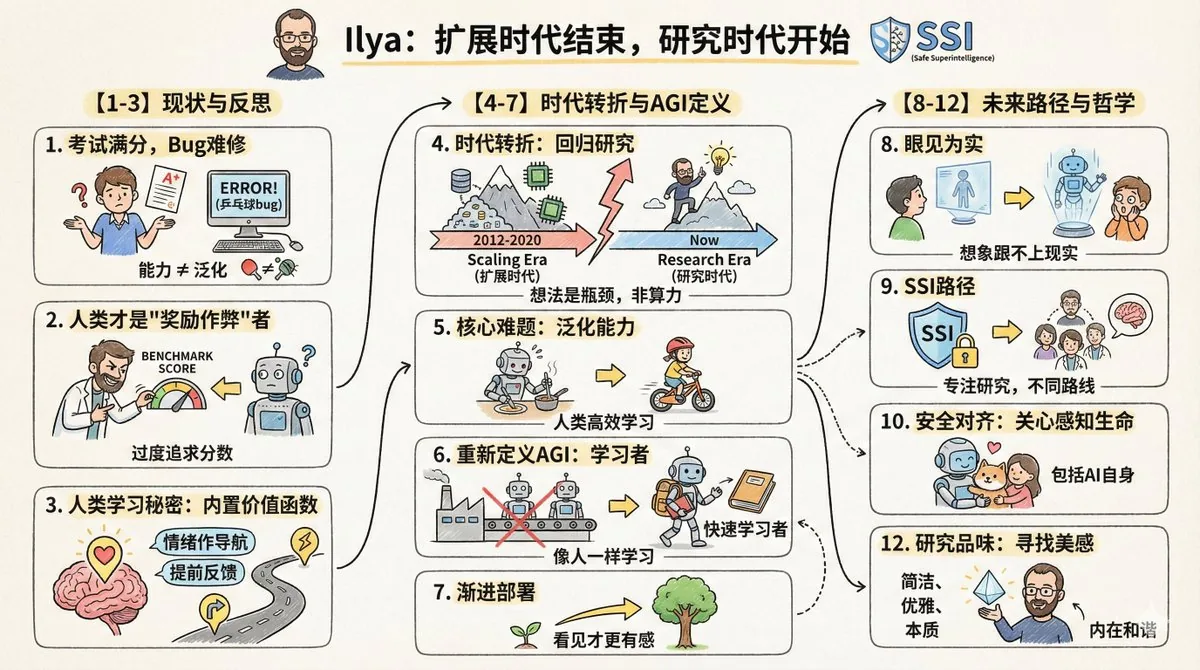
Turn Any Article into a Hand-Drawn Cartoon Infographic Prompt
Paste an article after this prompt to get a 16:9 hand-drawn cartoon infographic with icons, keywords and plenty of whitespace.
This example image was created by @dotey with Nano Banana Pro (Gemini 3 Pro Image). The button below opens the GPT Image 2.5 generator on this site with the prompt filled in, so you can generate a similar image — results will differ from the example.
Opens the generator with this prompt filled in. Nothing is generated until you press Generate.
This prompt expects a reference image or your own content — upload a photo or paste your text in the generator first.
Full prompt
Please create a cartoon-style infographic based on the provided content, following these guidelines:

- Hand-drawn illustration style, landscape orientation (16:9 aspect ratio).

- Include a small number of simple cartoon elements, icons, or famous personalities to enhance visual interest and memorability.

- If the content includes sensitive or copyrighted figures, replace them with visually similar alternatives; do not refuse to generate the illustration.

- All imagery and text must strictly adhere to a hand-drawn style; avoid realistic visual elements.

- Keep information concise, highlighting keywords and core concepts. Utilize ample whitespace to clearly emphasize key points.

- Unless otherwise specified, use the same language as the provided content.

Please use nano banana pro to create the illustration based on the input provided.
Chinese translation
请根据输入内容提取核心主题与要点,生成一张卡通风格的信息图:
- 采用手绘风格,横版(16:9)构图。
- 加入少量简洁的卡通元素、图标或名人画像,增强趣味性和视觉记忆。
- 如果有敏感人物或者版权内容,画一个相似替代,但是不要拒绝生成
- 所有图像、文字必须使用手绘风格,没有写实风格图画元素
- 除非特别要求,否则语言与输入内容语言一致。
- 信息精简,突出关键词与核心概念,多留白,易于一眼抓住重点。

请根据输入的内容使用 nano banana pro 画图:
How to use this prompt
A reusable “content to visual” instruction: write or paste your text after the last line, and the model extracts the key points and lays them out. It suits newsletters, course notes, slide covers and summaries of long posts. Keep “use the same language as the provided content” so a Chinese article produces Chinese text. Change “16:9 landscape” to “9:16 vertical” for mobile. The last line mentions Nano Banana Pro; you can leave it or delete it — the instructions work on GPT Image 2.5 too. Shorter inputs give cleaner, more legible results.
Related prompts
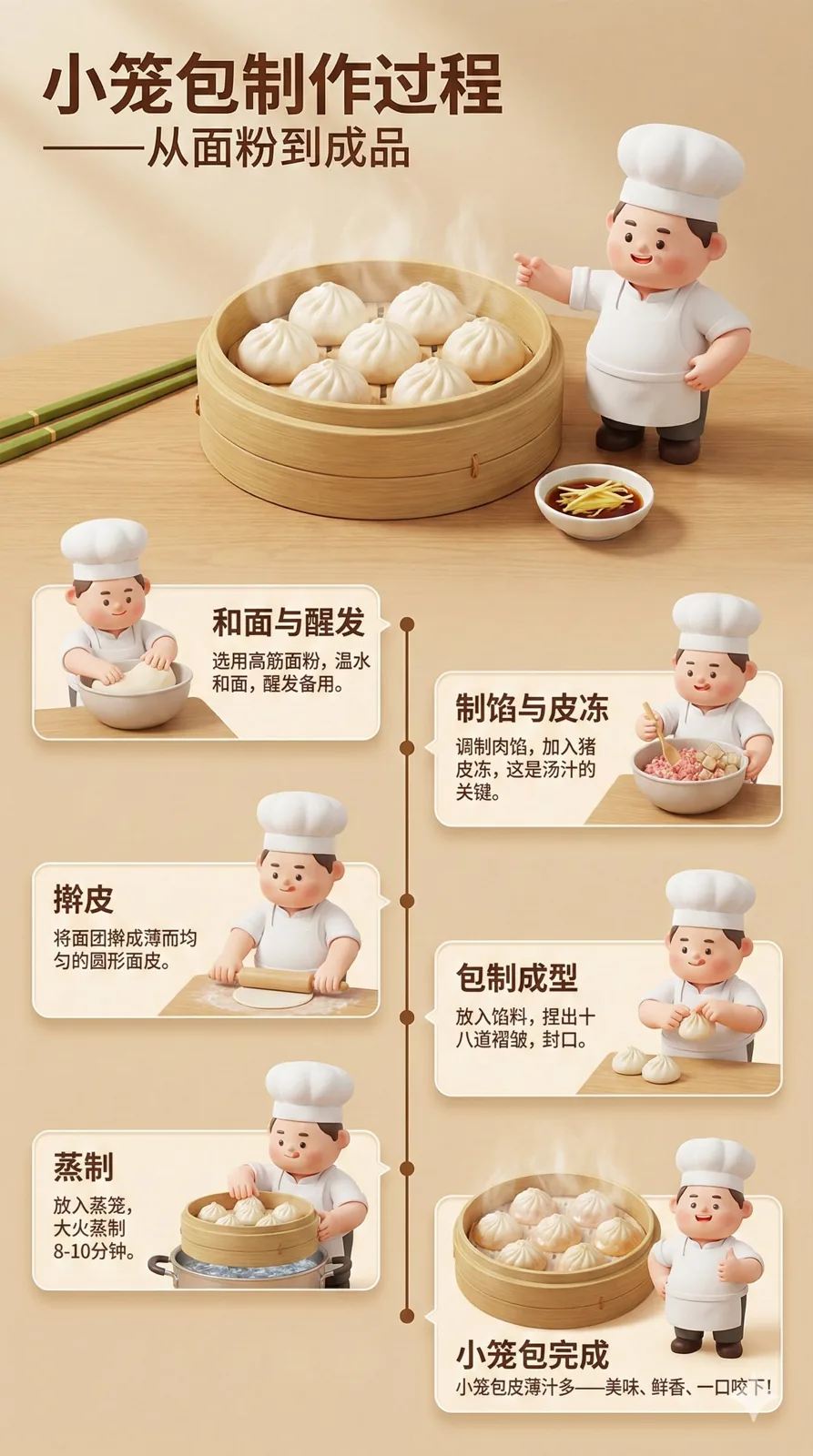 Infographics & Education
3D Step-by-Step Food Process Infographic Poster Prompt
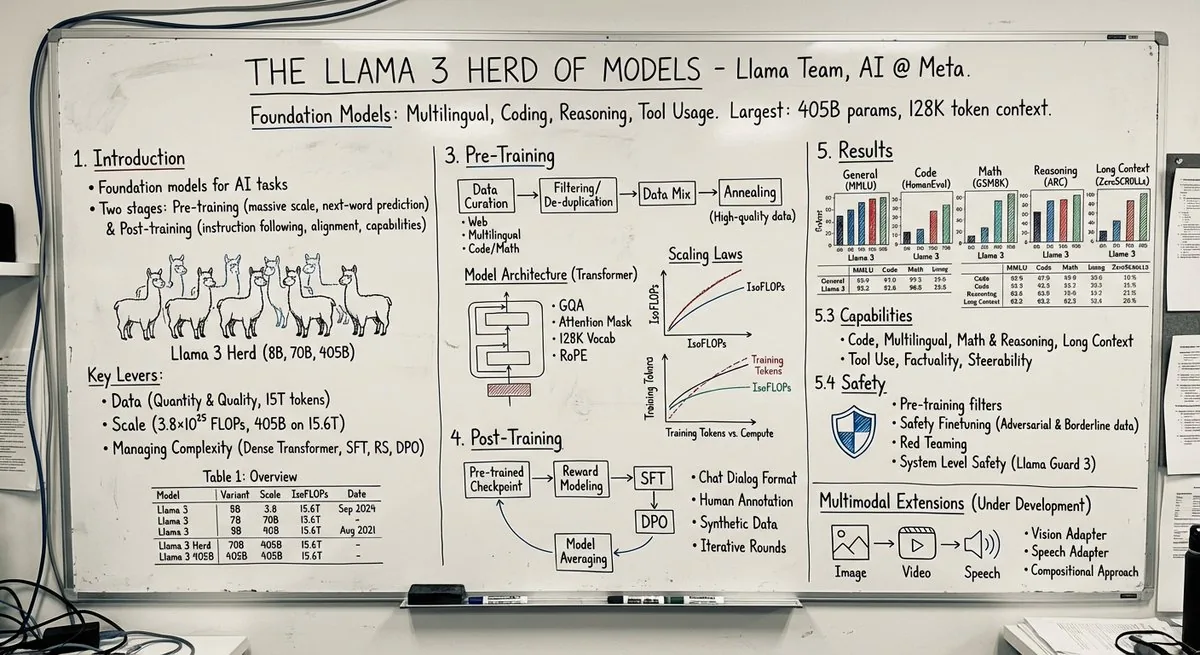 Infographics & Education
Research Paper to Professor’s Whiteboard Prompt
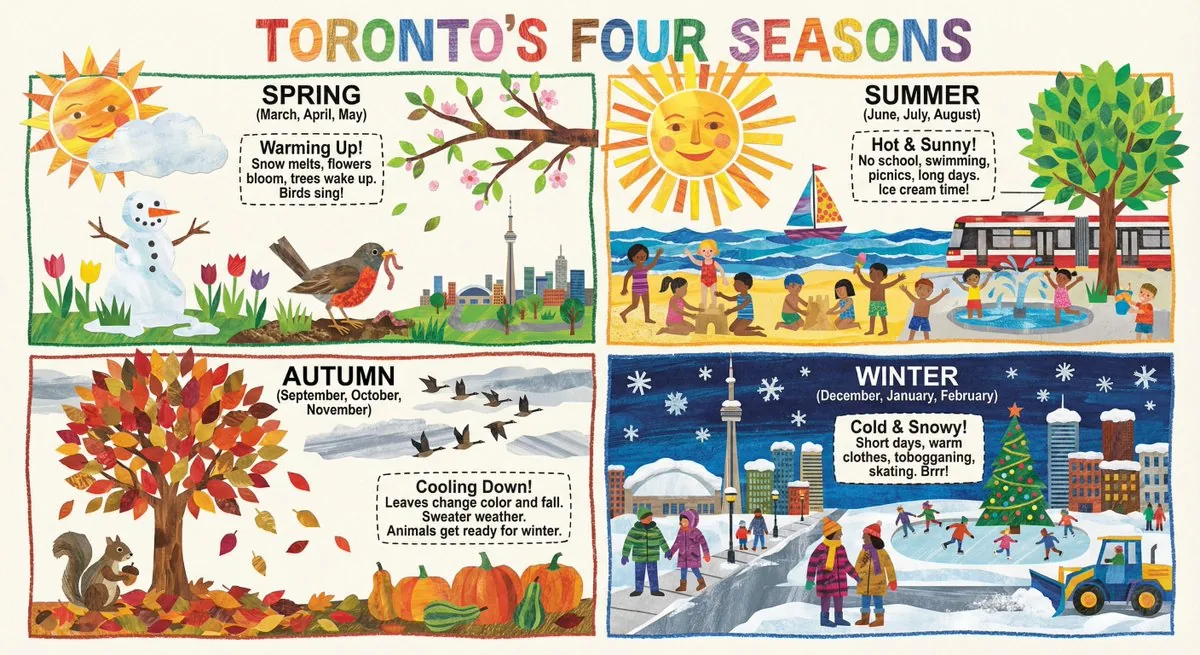 Infographics & Education
Four Seasons Classroom Infographic (Collage Picture-Book Style) Prompt
 Infographics & Education
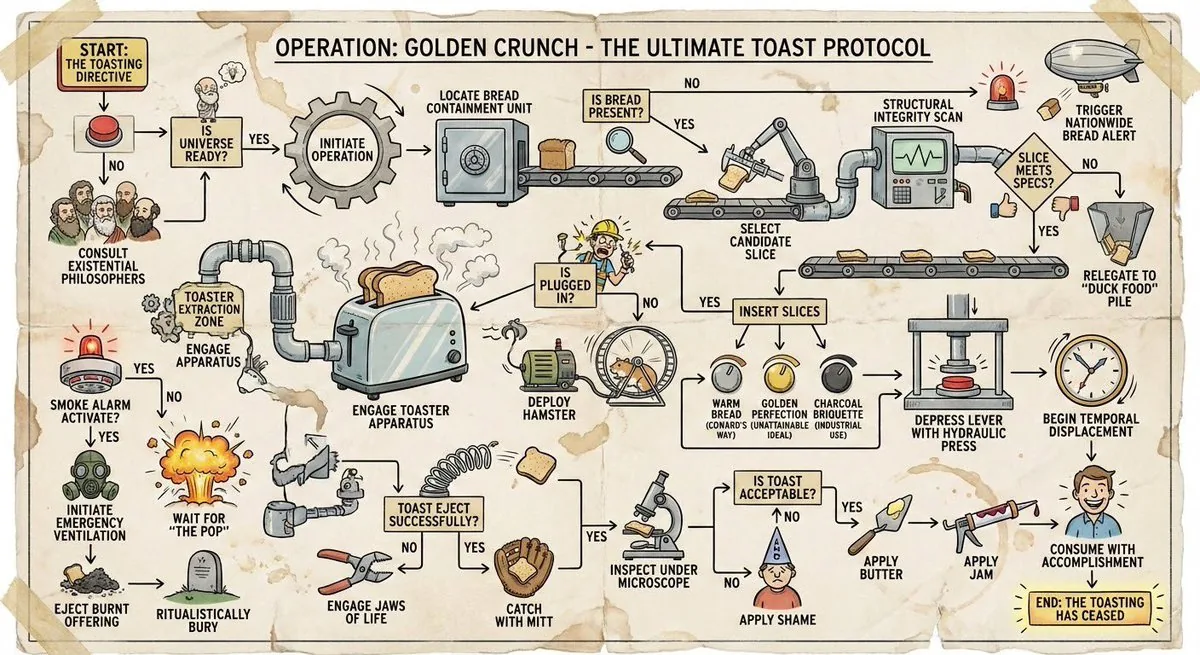
Wacky Over-Complicated Flowchart Prompt (How to Toast Bread)
Updated: